



















How to Maintain Your Mobility Scooter for Longevity and Performance
Understanding Your Mobility Scooter's Key Components
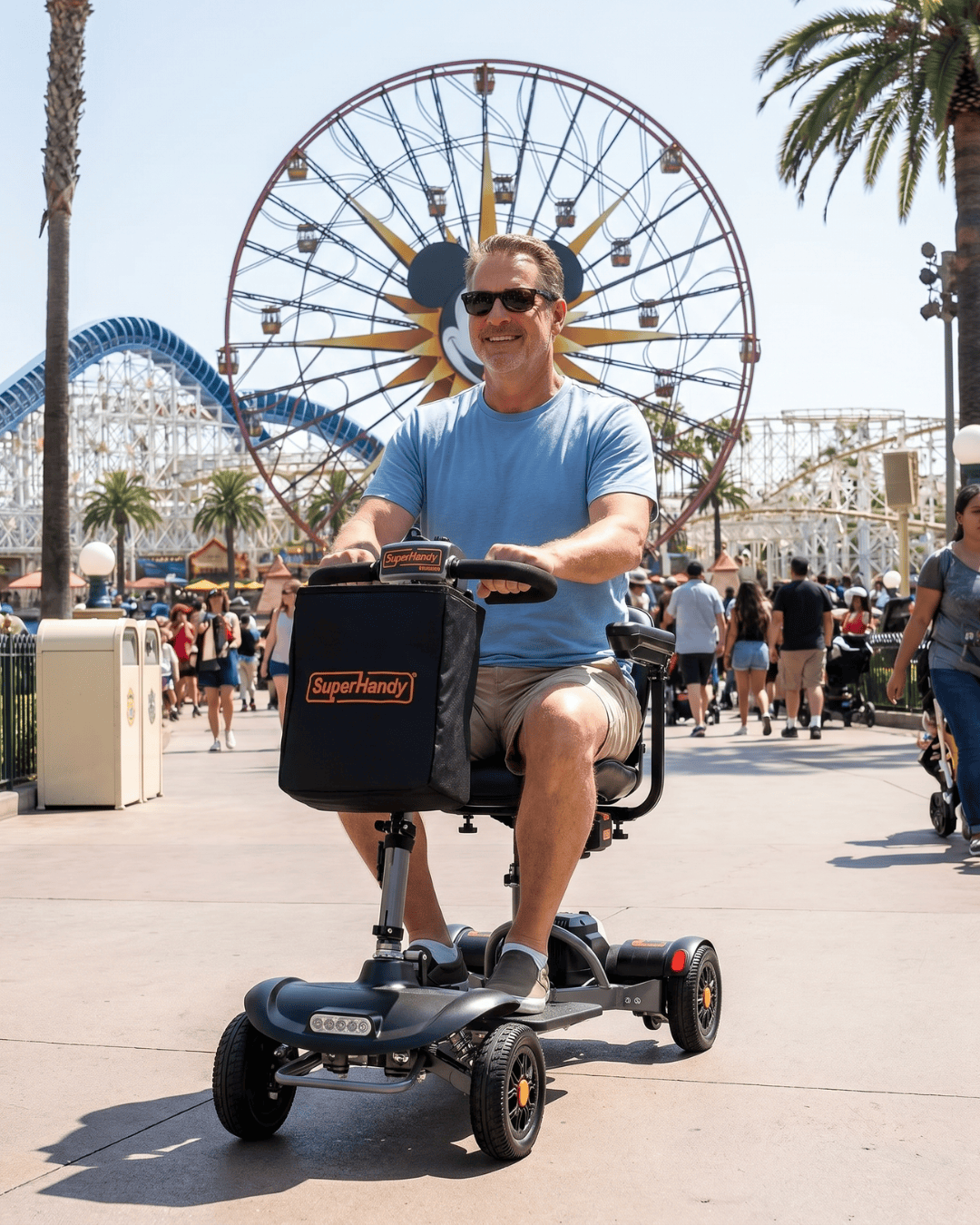
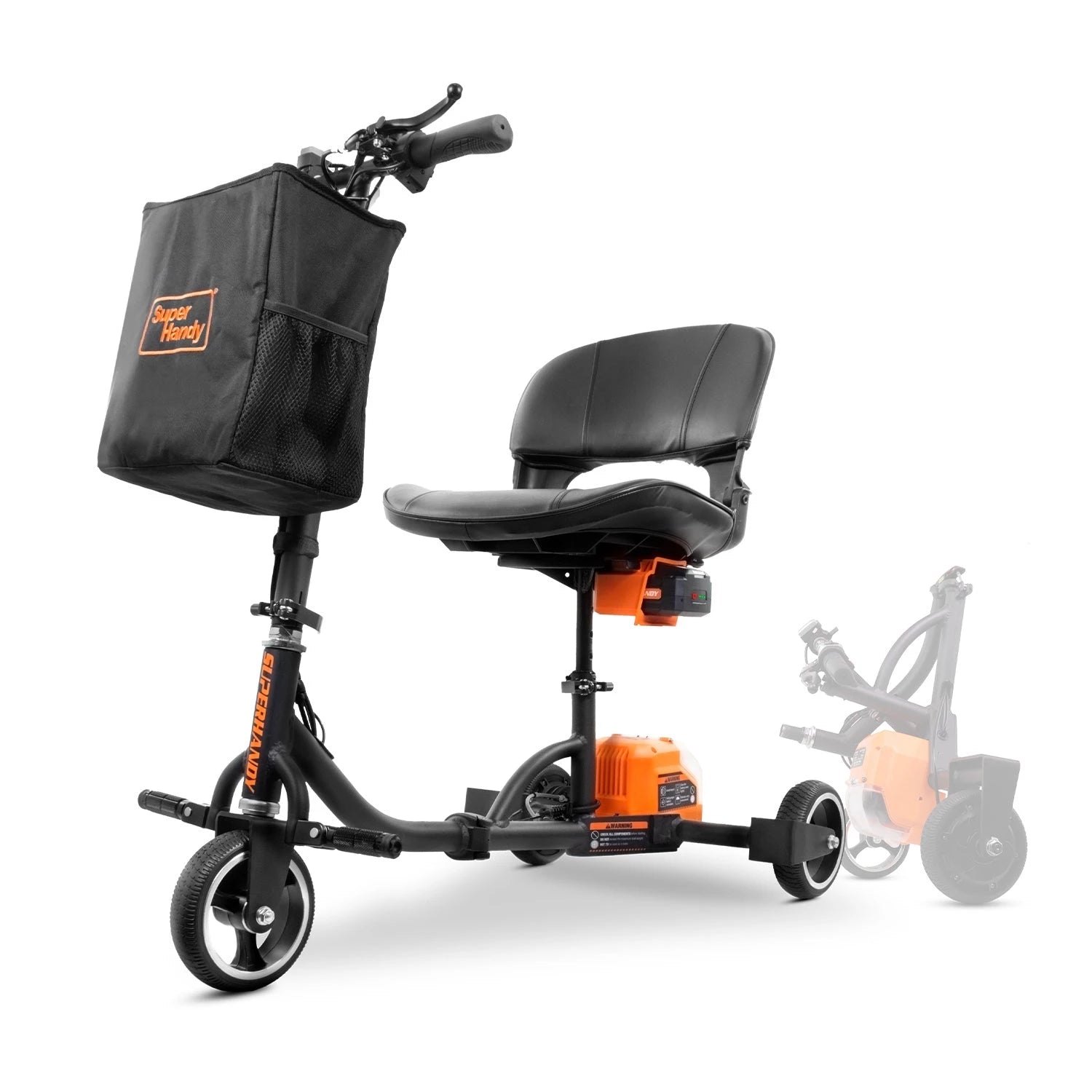
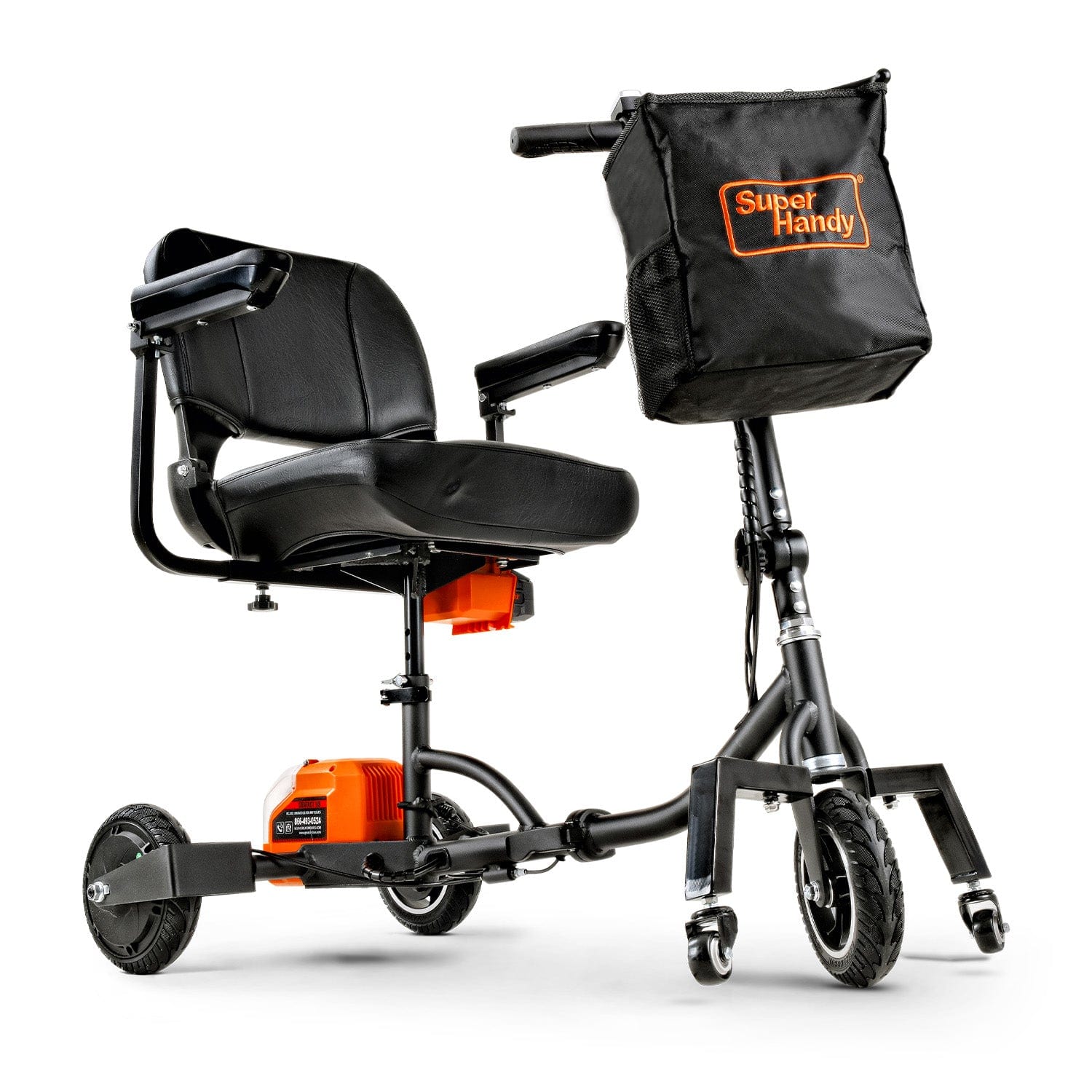
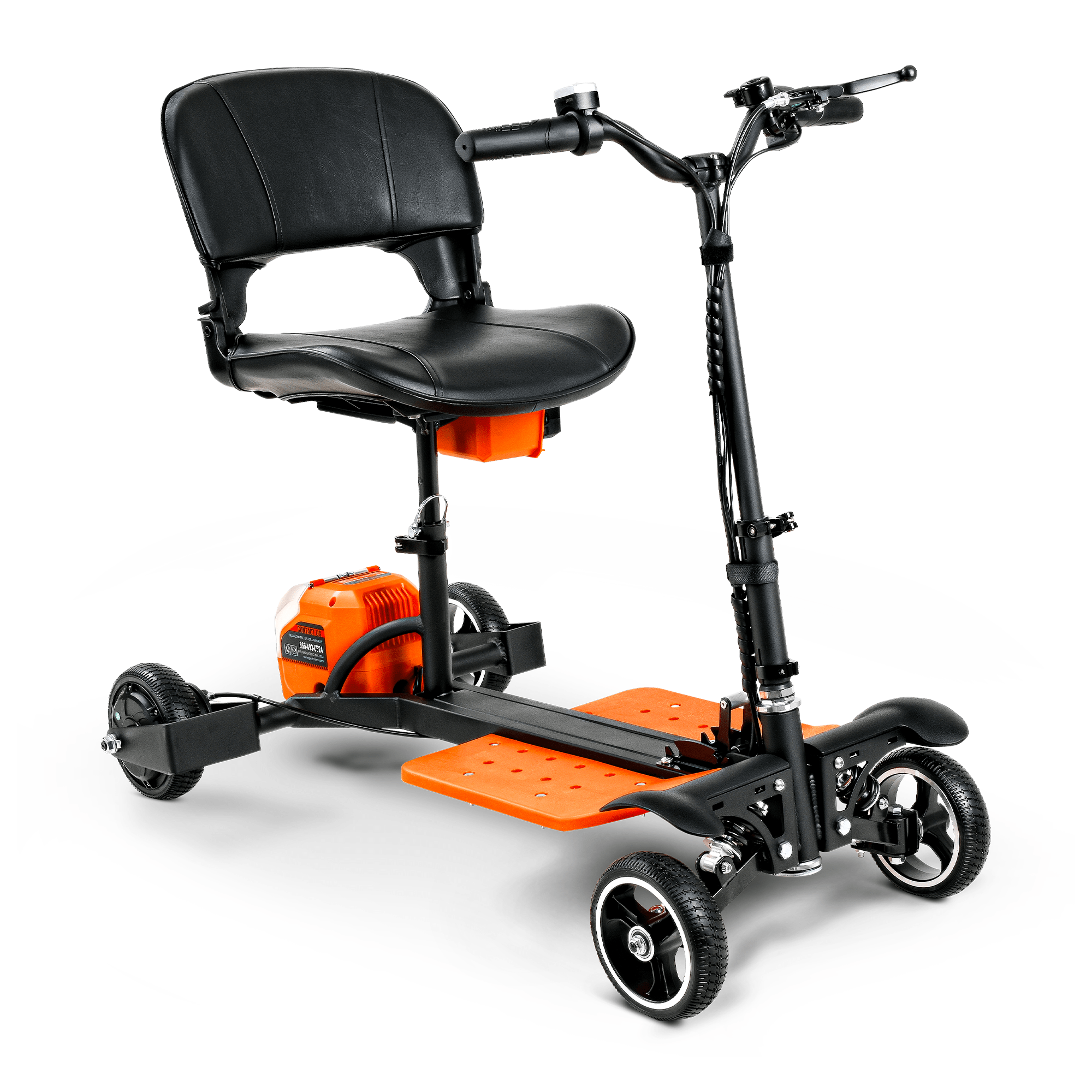
Familiarizing yourself with the main parts of your Mobility Scooter is the first step toward effective maintenance. While designs vary, most models share a common anatomy.
- Tiller: This is the steering column at the front of your scooter. It houses the control panel, which includes the throttle levers (wig-wag paddle), speed dial, battery gauge, horn, and light switches. Keeping this area clean and dry is crucial.
- Batteries: The powerhouse of your scooter. Usually located under the seat or in a removable pack, these rechargeable batteries determine your travel range and overall performance.
- Motor and Transaxle: This is the drive system that transfers power from the batteries to the wheels. It's a sealed unit that typically requires little user maintenance beyond keeping it clean and listening for unusual noises.
- Chassis: The frame is the scooter’s skeleton, providing structural support for all other components. Regular inspections for any signs of damage or loose connections are important.
- Seat and Armrests: These components are vital for your comfort and support. Most are adjustable and should be checked periodically to ensure all locking mechanisms are secure.
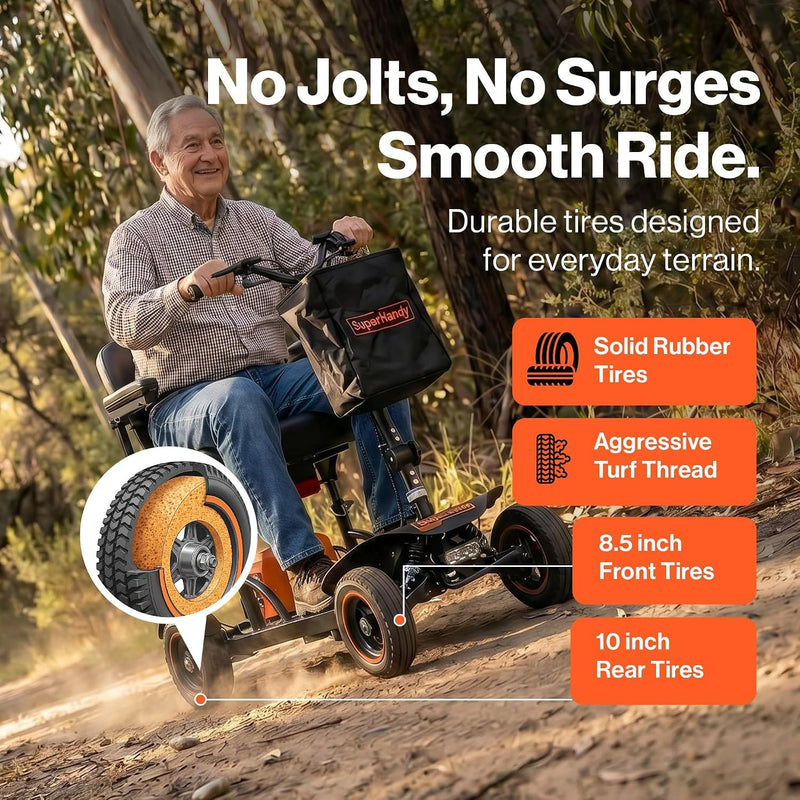
- Tires and Wheels: Your scooter’s connection to the ground. They can be either air-filled (pneumatic) or solid and require regular checks for wear and proper inflation.
Regular Cleaning: Preserving Your Scooter's Appearance and Functionality
Keeping your electric mobility scooter clean is about more than just aesthetics; it’s a critical maintenance task. Dirt, dust, and moisture can work their way into mechanical and electrical components, causing premature wear and potential failure.
Start by wiping down the plastic shrouds and body with a soft, damp cloth and a mild, non-abrasive cleaner. Avoid using harsh chemicals or solvents that could damage the finish. Pay special attention to the seat, using a vinyl-safe cleaner if applicable. Use a soft brush to gently clear away any debris from around the wheels, axle, and the underside of the scooter. After cleaning, wipe the entire scooter dry with a clean cloth. Important: Never use a garden hose or pressure washer to clean your scooter, as direct water spray can severely damage the sensitive electronics and motor.
Battery Care: Maximizing Lifespan and Charging Efficiency
The batteries are the heart of your scooter and often the most expensive component to replace. Proper charging habits are essential for maximizing their lifespan and ensuring you get the maximum range on every trip. For a model like the Passport Prime Mobility Scooter, which relies on its battery for dependable travel, this step is non-negotiable. For battery care, Energy.gov shares tips for extending lithium-ion battery lifetime that are useful when planning charging and storage routines.
Always use the charger that was supplied with your scooter, as using an incompatible one can cause permanent damage. It’s best practice to charge your batteries after every use, no matter how short the journey. This keeps them topped off and ready for your next outing. Avoid letting the batteries drain completely, as this can reduce their overall lifespan. When you first get your scooter, or if you are replacing the batteries, give them an initial uninterrupted charge of 8-12 hours to condition them properly.
Tire Maintenance: Ensuring a Smooth and Safe Ride
Your scooter’s tires affect ride quality, safety, and even battery efficiency. There are two primary types: pneumatic (air-filled) and solid.
If your scooter has pneumatic tires, check the air pressure weekly using a standard tire pressure gauge. The correct pressure (PSI) is usually printed on the tire’s sidewall or listed in your owner's manual. Under-inflated tires can reduce your travel range and wear out unevenly, while over-inflated tires can create a harsh, bumpy ride.
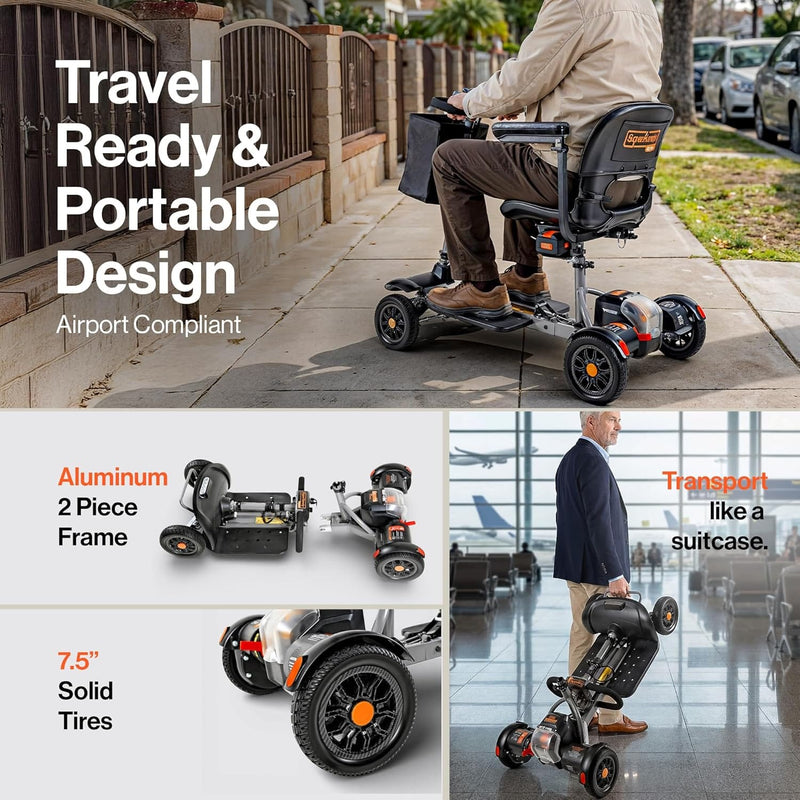
Solid tires, often found on travel models like the Explorer Mobility Scooter for their puncture-proof convenience, don't require air pressure checks. However, you should still inspect them regularly for significant wear. Check the tread depth and look for any deep cuts or embedded objects. If the tread is worn smooth, the tires should be replaced to maintain proper traction and safety.
Brake System Checks: Your Primary Safety Feature
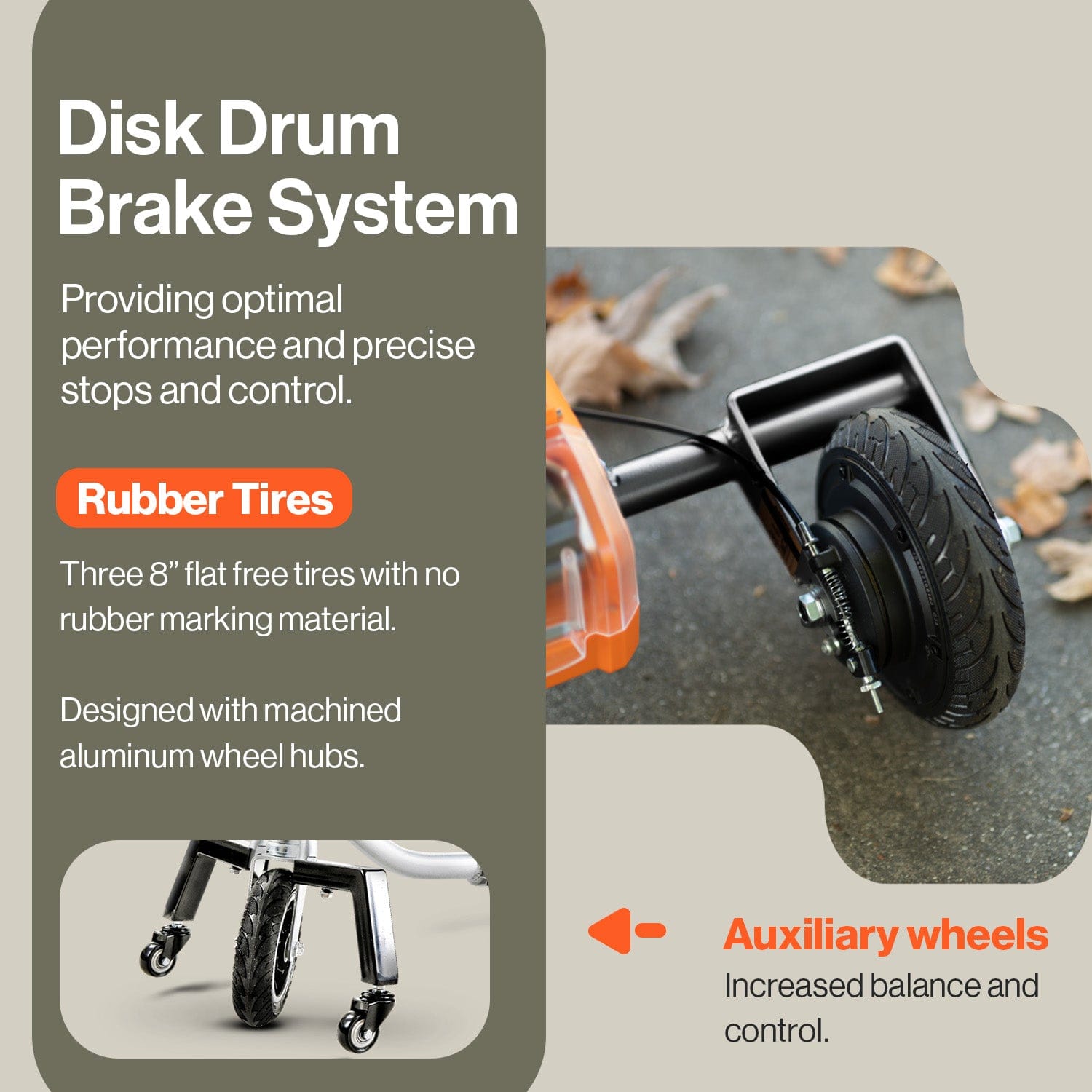
Your mobility scooter's braking system is arguably its most critical safety component. Most modern electric mobility scooters feature an automatic, electromagnetic braking system. These brakes are designed to engage automatically the moment you release the throttle or joystick, bringing the scooter to a smooth, controlled stop. The best way to check this system is through regular, practical testing. In a safe, open space, drive forward and release the throttle. You should hear a distinct "click" as the brake engages and feel the scooter decelerate promptly. If you notice any delay, a "coasting" feeling, or unusual noises, it's a sign that your brakes need professional inspection.
Some models may also include a supplementary manual handbrake, similar to a bicycle brake, for emergencies or for holding the scooter on an incline. If your scooter has one, periodically squeeze the lever to ensure it feels firm and responsive. Check the brake cable for any signs of fraying or damage, and ensure it has the proper tension—not too loose and not too tight. Refer to your owner's manual for specific instructions on adjusting the handbrake cable if necessary. Consistent brake checks provide peace of mind and are essential for safe operation.

Understanding and Maintaining the Drive System
The drive system, which consists of the motor and the transaxle (or gearbox), is the heart of your electric mobility scooter's power. While these components are typically sealed and designed to be maintenance-free for the user, you still play a vital role in their longevity. The most important thing you can do is listen. Pay attention to the sounds your scooter makes during operation. Any new grinding, whining, or clicking noises coming from the rear of the scooter can indicate a problem with the motor or gearbox.
Another key component is the freewheel lever. This lever disengages the drive system, putting the scooter in a neutral mode so it can be pushed manually. It's important to check this function periodically. Move the lever to the "freewheel" or "neutral" position and confirm that the scooter can be rolled easily. Then, re-engage the drive system by moving the lever back to the "drive" position. Push the scooter to ensure the brake has re-engaged and the wheels are locked. A freewheel lever that is stuck or difficult to move may need cleaning and light lubrication at its pivot point, as detailed in your user manual. Keeping the area around the motor and transaxle clean and free of dirt, grass, and debris also helps prevent overheating and premature wear on a powerful model like the Explorer Mobility Scooter .
Electrical System Checks: Preventing Costly Repairs
Beyond the battery, your scooter's electrical system includes a complex network of wires, connectors, and electronic components that control every function. Preventing issues is far easier and cheaper than fixing them. Once a month, perform a thorough visual inspection of all visible wiring. Look for any wires that are frayed, cracked, pinched, or have exposed copper. Pay special attention to wiring around moving parts, like the tiller steering column or the seat post.
Ensure all connectors are firmly plugged in. Over time, vibrations can cause connectors to loosen, leading to intermittent power loss or component failure. Check the connections to the battery, the controller (usually located under a shroud), and the motor. Finally, regularly test all electronic features. Turn on your headlights and taillights, test your turn signals, and sound the horn. If any of these features fail to work, it could be as simple as a loose connector or a burnt-out bulb, but it could also signal a more significant electrical issue. Catching these problems early can save you from a complete system failure and costly repairs on your Mobility Scooter. For battery care, Energy.gov shares tips for extending lithium-ion battery lifetime that are useful when planning charging and storage routines.
Seat and Armrest Upkeep: Comfort and Durability
Your comfort and stability are paramount for an enjoyable ride. The seat and armrests are key to this, but they also require regular checks to remain safe and functional. First, check the seat for stability. If you have a height-adjustable or swivel seat, ensure the locking mechanisms are working correctly. Sit down and try to rock the seat; there should be minimal wobble. If it feels loose, tighten the seat post clamp or consult your manual for adjustment instructions. A secure seat is crucial for balance, especially when navigating uneven terrain.
Next, inspect the armrests. They provide support when you are getting on and off the scooter, so they must be secure. Check that all bolts and adjustment knobs are tight. If your armrests are width- or height-adjustable, test the mechanisms to ensure they lock firmly in place. Finally, care for the upholstery. Most scooter seats, like the one on the Passport Prime Mobility Scooter, are covered in durable, easy-to-clean vinyl. Wipe it down regularly with a damp cloth and a mild soap solution to prevent dirt from building up. Check for any small rips or tears in the upholstery and patch them early to prevent them from getting worse.
Storage Best Practices: Protecting Your Scooter When Not in Use
How you store your electric mobility scooter has a significant impact on its lifespan and daily performance. Whether you're storing it overnight or for an entire season, the right environment is key. Always choose a location that is clean, dry, and secure, like a garage, shed, or a designated indoor space. Avoid areas with extreme temperature fluctuations or high humidity, as these can damage the battery and electronic components. For long-term storage (more than a month), it's crucial to charge the battery fully and then check it every few weeks, topping it up as needed to prevent it from completely draining. Using a protective cover will shield your scooter from dust, debris, and moisture. For users with limited space, a foldable model like the Passport Prime Mobility Scooter offers a compact storage solution without compromising on features. For battery care, Energy.gov shares tips for extending lithium-ion battery lifetime that are useful when planning charging and storage routines.
Troubleshooting Common Mobility Scooter Issues
Even a well-maintained scooter can experience occasional hiccups. Before calling for service, you can often solve minor problems with a few simple checks. Here are some common issues and what to do about them:

- Scooter Won’t Turn On: This is the most common issue. First, ensure the key is fully inserted and turned to the "on" position. Check that the battery pack is seated correctly and that the main circuit breaker or fuse hasn't tripped. If it has, reset it and try again. Finally, confirm your battery has a sufficient charge.
- Battery Drains Quickly: An aging battery is the usual culprit. If your battery is over two years old and its range is noticeably shorter, it may be time for a replacement. Also, ensure your tires are properly inflated, as low pressure forces the motor to work harder and use more power.
- Scooter Is Running Slower Than Usual: Check your speed dial; it may have been turned down accidentally. Low battery charge can also cause reduced speed. If both are fine, check for debris tangled around the axles or wheels that could be causing resistance.
- The Scooter Stops Suddenly: Many scooters have a "freewheel" lever that disengages the motor to allow for manual pushing. If this lever is accidentally knocked into the freewheel position, the scooter will not run. Make sure the lever is firmly in the "drive" position.
If these basic steps don’t resolve the problem with your Mobility Scooter, it may indicate a more complex issue requiring professional attention.
When to Seek Professional Maintenance or Repair
While DIY maintenance is great for routine upkeep, some problems demand the expertise of a qualified technician. Attempting to fix complex issues yourself can void your warranty, lead to more expensive damage, or create a serious safety hazard. You should schedule a professional service appointment if you notice:
- Persistent Electrical Problems: If your lights flicker, the battery gauge is erratic, or the scooter cuts out intermittently despite a full charge, there could be a fault in the wiring harness or controller.
- Brake or Motor Issues: Any unusual grinding, whining, or clicking sounds from the motor or transaxle are red flags. Similarly, if your brakes feel weak, unresponsive, or fail to engage, stop using the scooter immediately and call a professional.
- Controller or Tiller Malfunctions: If the scooter doesn't respond correctly to the throttle, joystick, or steering commands, the issue likely lies within the complex electronic controls.
- Frame or Structural Damage: A cracked weld or bent frame compromises the scooter’s integrity and your safety. This requires specialized repair.
Because mobility scooters are often classified as durable medical equipment, it's wise to consult your insurance or Medicare provider about potential coverage for professional repairs.
Preparing Your Scooter for Seasonal Changes
Your mobility scooter’s performance can be affected by the weather, so it’s important to prepare it for seasonal shifts, particularly for winter and summer.

For Winter/Cold Weather: Cold temperatures can significantly reduce your battery’s capacity and range—sometimes by as much as 30-40%. If possible, store your scooter (or at least the battery pack) indoors in a temperature-controlled environment. Always start your journey with a fully charged battery. Be extra cautious on wet or icy pavement, as scooter tires have less traction than car tires. After riding on roads treated with salt or de-icing chemicals, wipe down your scooter’s frame and undercarriage to prevent rust and corrosion.
For Summer/Hot Weather: Extreme heat can also be hard on your scooter. Never leave your scooter sitting in direct sunlight for extended periods, as this can damage the plastic body, upholstery, and electronics. Overheating can also degrade battery life over time. Store it in a cool, shaded place like a garage. High temperatures can cause the air in your tires to expand, so check your tire pressure regularly to ensure it remains at the manufacturer’s recommended level for a safe and efficient ride. A robust model like the Explorer Mobility Scooter is built to handle varied terrain, but seasonal care is still essential for peak performance.
Frequently Asked Questions About Mobility Scooter Maintenance
Even with the best care, you’re bound to have questions about your mobility scooter. Here are answers to some of the most common inquiries we receive about keeping your scooter in top condition.
How often should I have my mobility scooter professionally serviced?
As a general rule, it's wise to have your electric mobility scooter professionally serviced at least once a year. Think of it as an annual check-up for your device. If you use your scooter daily or for long distances, you might consider a check-up every six months. A professional can inspect the motor brushes, check the brake system's integrity, test the electrical components, and ensure the frame and alignment are still sound—tasks that go beyond typical daily maintenance.
What are the most important daily or weekly checks I can do myself?
The most crucial quick checks involve your scooter’s battery and tires. Before heading out, glance at the battery indicator to ensure you have enough charge for your trip. Once a week, you should visually inspect your tires for wear and check their pressure with a gauge if they are pneumatic (air-filled). It's also good practice to test your brakes, listen for any unusual noises, and wipe down the scooter to keep it clean.
Can I use my electric mobility scooter in the rain?
Most mobility scooters are designed to be water-resistant, not waterproof. This means they can typically handle light rain or being splashed by a puddle. However, you should avoid using your scooter in heavy downpours or through deep standing water. The sensitive electronic components, like the dashboard, throttle, and charging port, can be damaged by excessive moisture. If you do get caught in the rain, wipe your scooter down with a dry cloth as soon as possible, paying special attention to the control panel and seat.
How do I prepare my mobility scooter for air travel?
Traveling with a scooter requires a bit of planning. First, always contact your airline well in advance to understand their specific policies. For battery-powered devices, rules are strict. According to the FAA PackSafe guidance for wheelchairs and mobility devices, the type and size of your battery determine how it must be transported, with specific regulations for lithium-ion batteries. You may need to remove the battery to be carried into the cabin. Compact, foldable models like the Explorer Mobility Scooter are often easier to manage for travel.
Is it difficult to replace the battery on my scooter?
On most modern scooters, replacing the battery is a straightforward process designed to be done by the owner. The battery pack is usually located under the seat or in a compartment on the floorboard and can be easily disconnected and lifted out. Models like the Passport Prime Mobility Scooter feature easily accessible battery packs for convenient charging and replacement. Always consult your owner's manual to confirm the exact procedure and ensure you are purchasing the correct replacement battery for your specific Mobility Scooter. For battery care, Energy.gov shares tips for extending lithium-ion battery lifetime that are useful when planning charging and storage routines.
My scooter won't start. What should I check first?
If your scooter doesn't power on, don't panic! Run through a few simple checks before calling for service. First, ensure the battery is fully charged and properly connected. Second, check that the key is fully inserted into the ignition and turned to the "on" position. Finally, locate the freewheel lever (usually near the rear wheels) and make sure it is in the "drive" or "engaged" position. If the lever is in "freewheel" mode, the motor will be disengaged, and the scooter will not move under power. If these steps don't solve the problem, consult your user manual's troubleshooting section.
Related Products




Leave a comment
All comments are moderated before being published.
This site is protected by hCaptcha and the hCaptcha Privacy Policy and Terms of Service apply.