

















Understanding Your Mobility Scooter's Key Components
Before you can properly maintain your scooter, it helps to know what you’re working with. These devices are among the most common mobility aids, designed to help people with mobility challenges navigate their daily lives more easily. While designs vary, most mobility mobility scooters share a set of fundamental parts. Familiarizing yourself with them will make troubleshooting and routine care much easier.
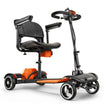
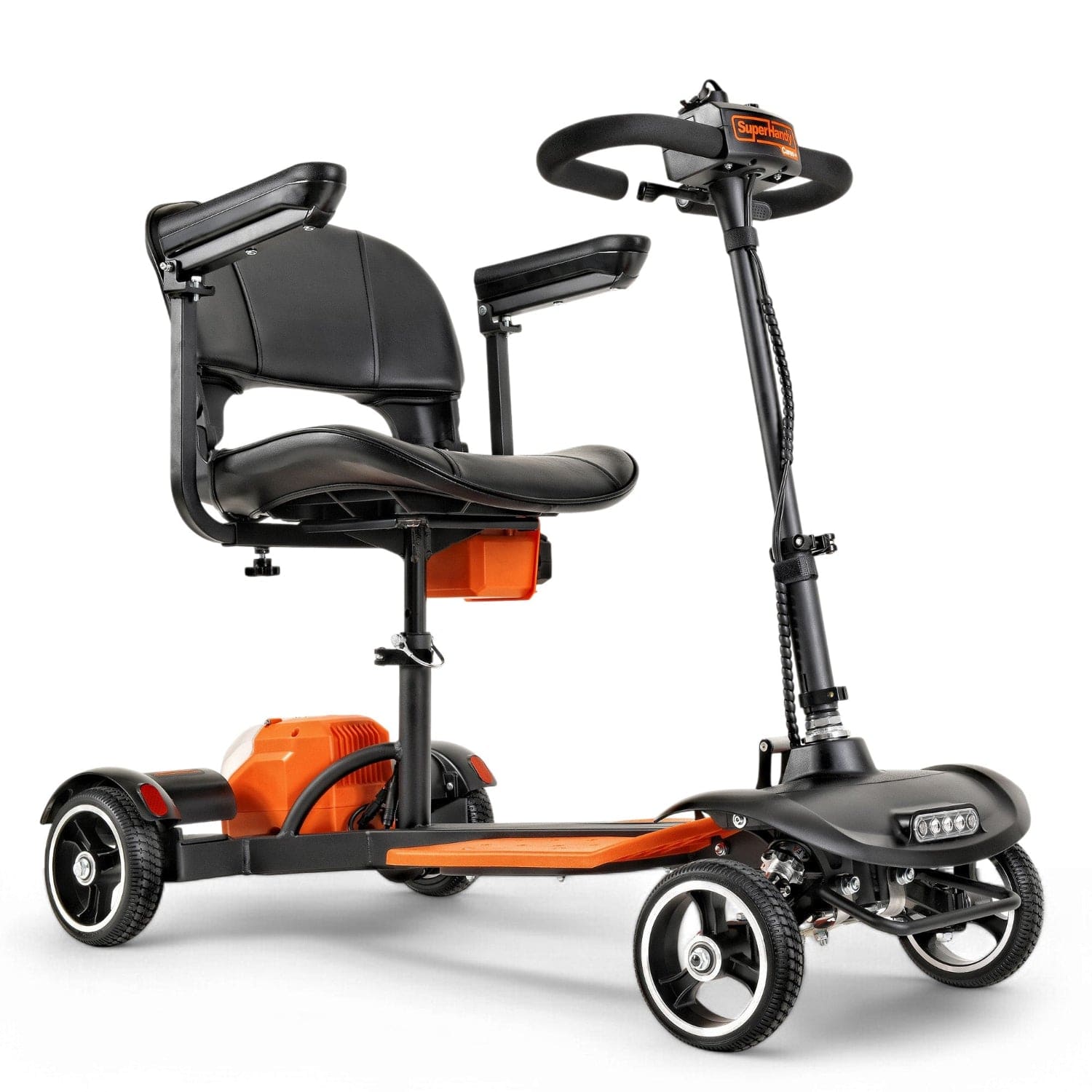
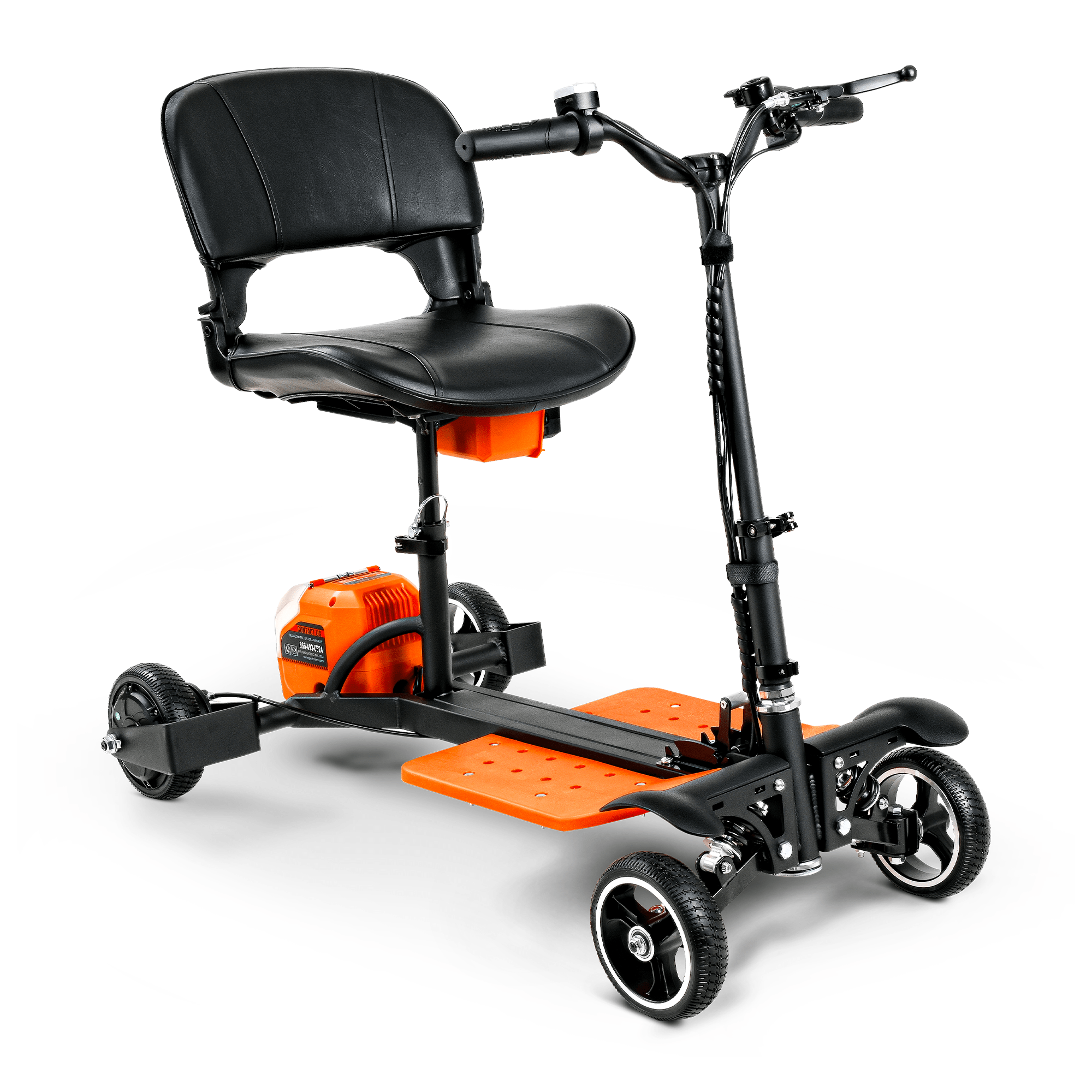
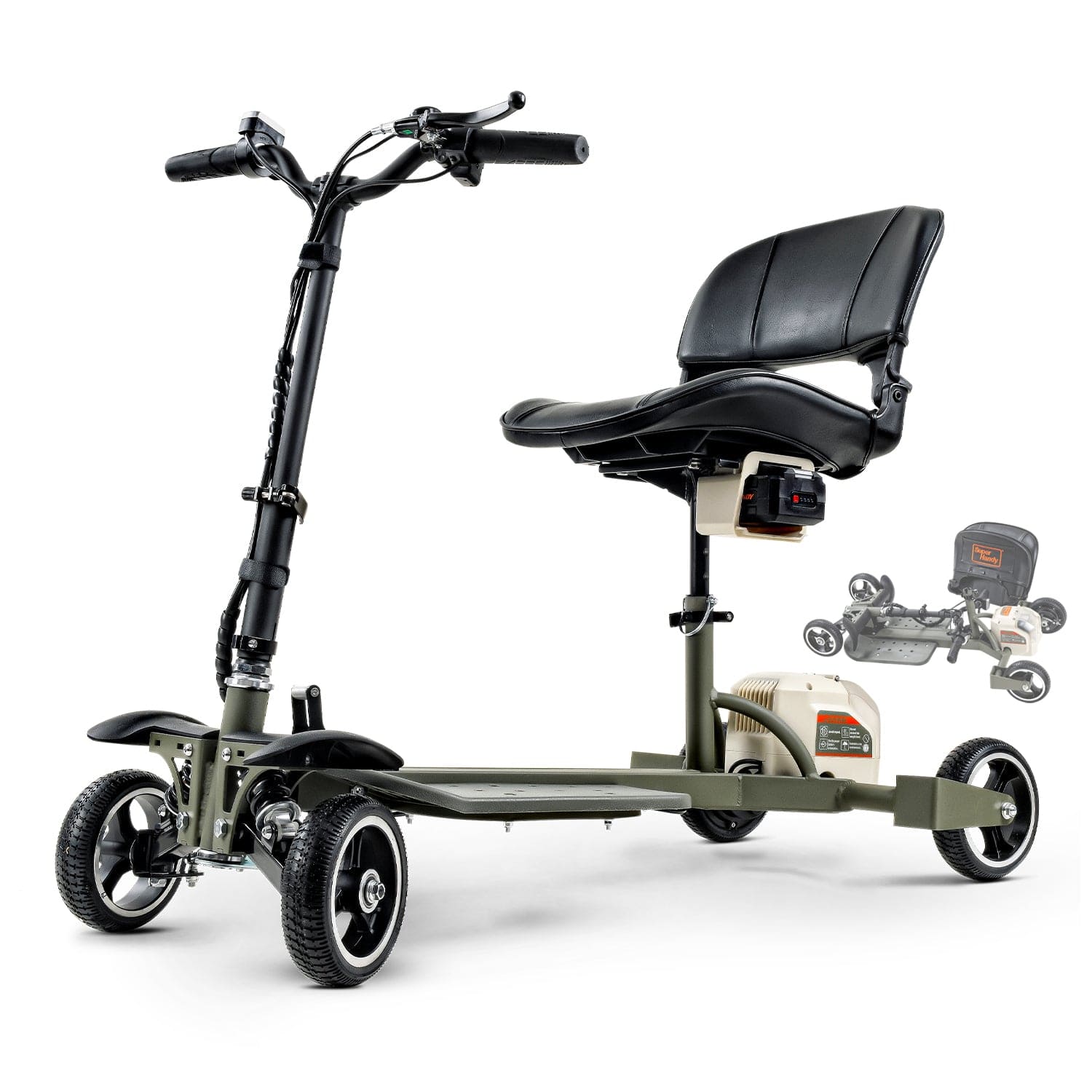
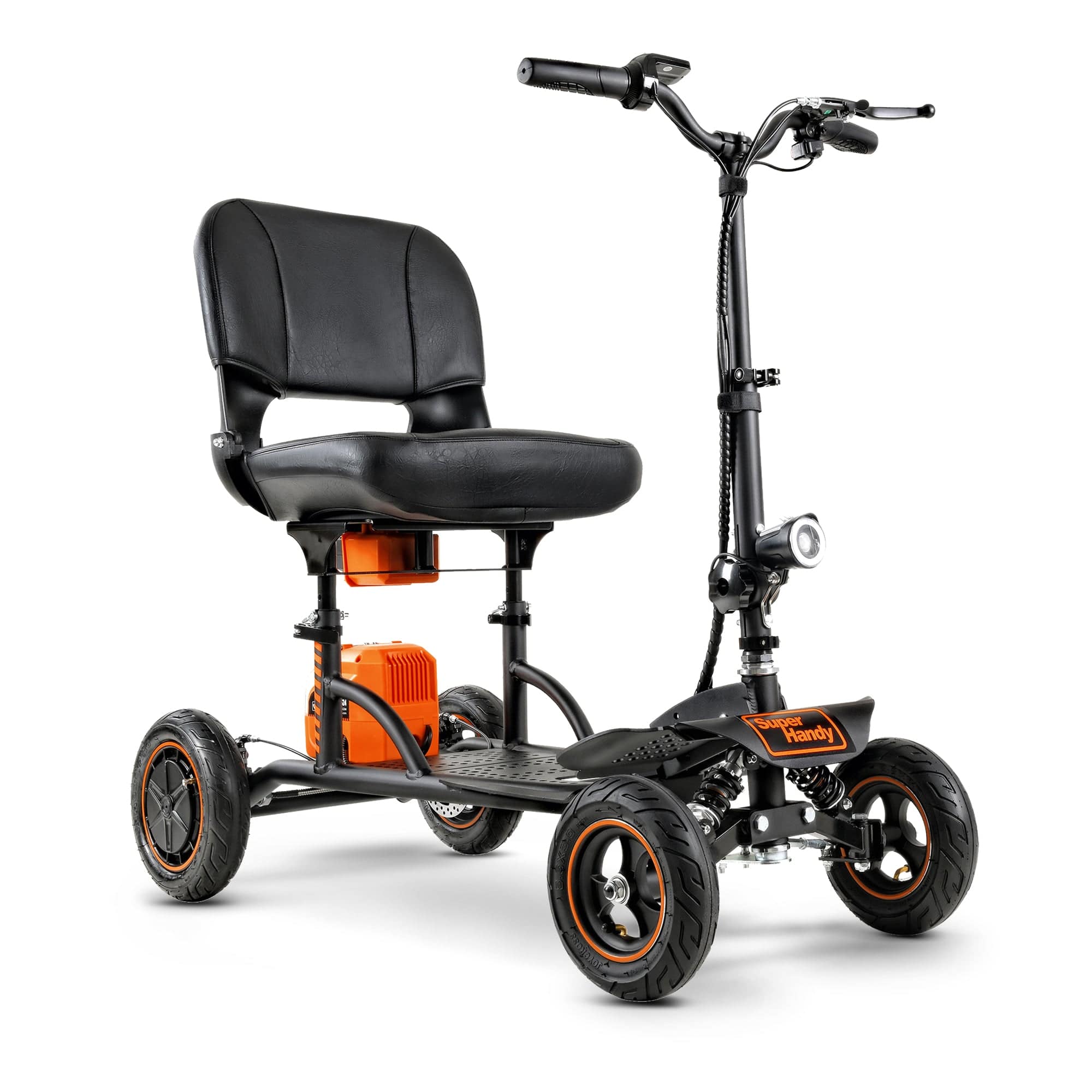
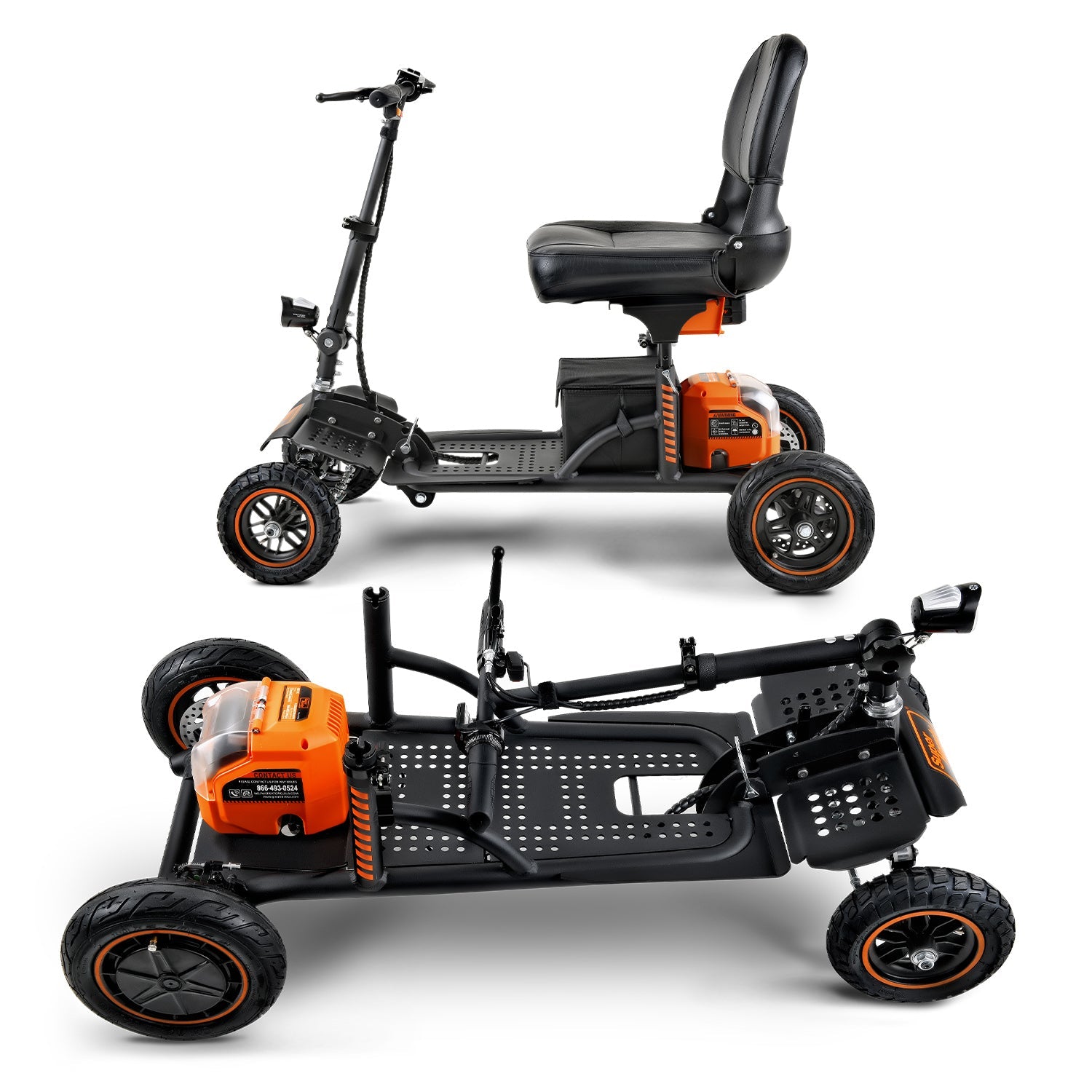
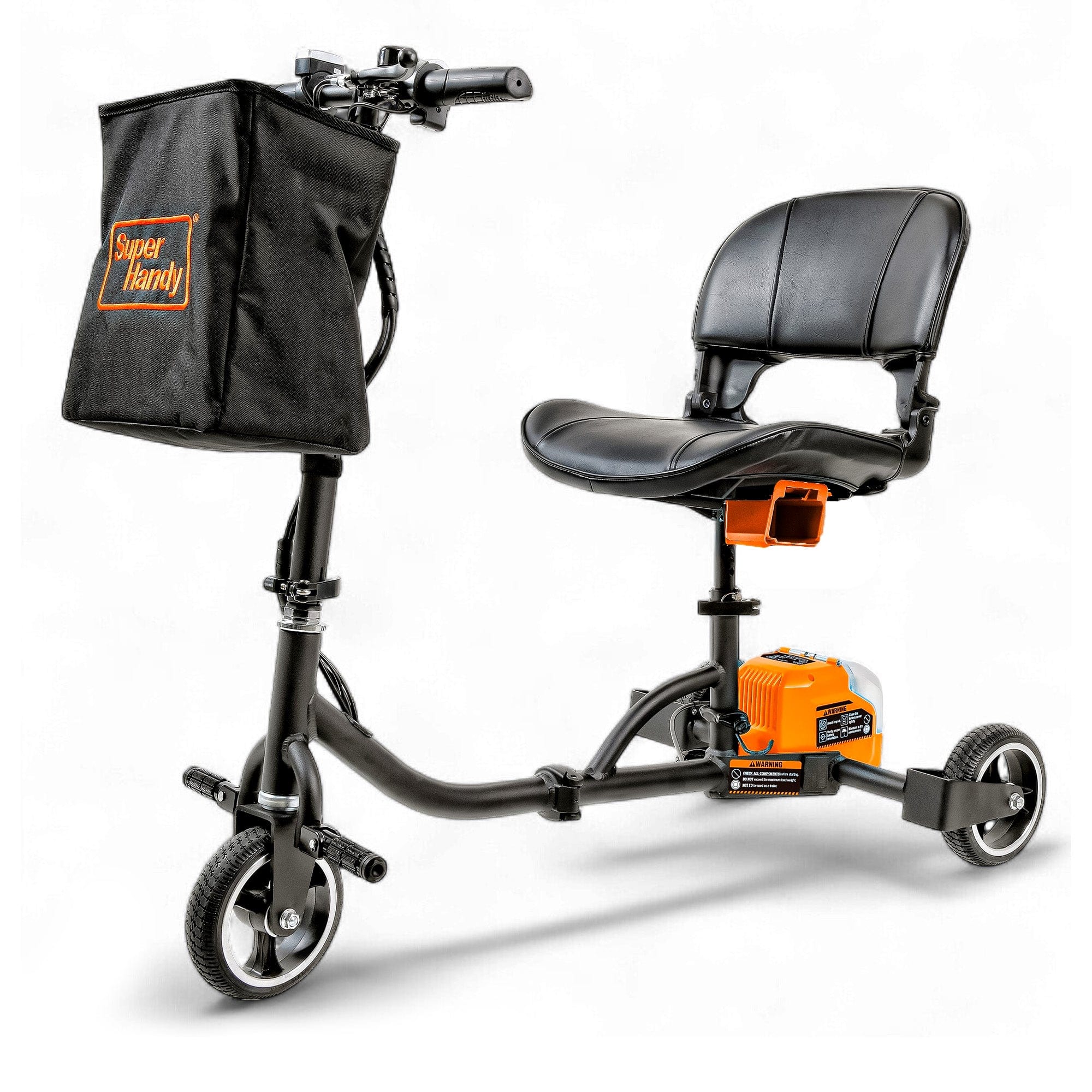
Key components typically include the tiller, which is the steering column that houses the controls like the throttle, speed dial, and battery gauge. The chassis is the scooter's frame and foundation. Power comes from the motor and drivetrain, which are fueled by one or more rechargeable batteries. The tires provide traction and cushioning, the brakes ensure you can stop safely, and the seat provides comfort and support. Knowing how these parts work together is the first step toward effective maintenance for any Mobility Scooter.
Regular Cleaning: The First Step to a Longer Lifespan
One of the simplest yet most effective maintenance tasks is regular cleaning. Dust, dirt, and moisture can accumulate on your scooter, potentially causing rust on the frame or interfering with moving parts and electronics. A consistent cleaning routine not only keeps your scooter looking its best but also gives you a chance to visually inspect it for any developing issues like loose bolts or frame damage.

To clean your mobility scooter, use a soft, damp cloth and a mild solution of soap and water. Gently wipe down the plastic shrouds, tiller, and seat. Avoid using abrasive cleaners or harsh chemicals that could damage the finish. Most importantly, never spray water directly onto the control panel or electronic components, as this can cause short-circuiting and serious damage. After wiping it down, dry your scooter completely with a separate clean, dry cloth.
Battery Care: Maximizing Power and Lifespan
The battery is the heart of your electric mobility scooter, and its health directly impacts your scooter's range and overall performance. Proper battery care is non-negotiable for long-term reliability. The single most important rule is to charge your batteries regularly. It is best practice to charge your scooter after every use, no matter how short the trip was. This prevents the battery from draining too deeply, which can shorten its lifespan. For battery care, Energy.gov shares tips for extending lithium-ion battery lifetime that are useful when planning charging and storage routines.
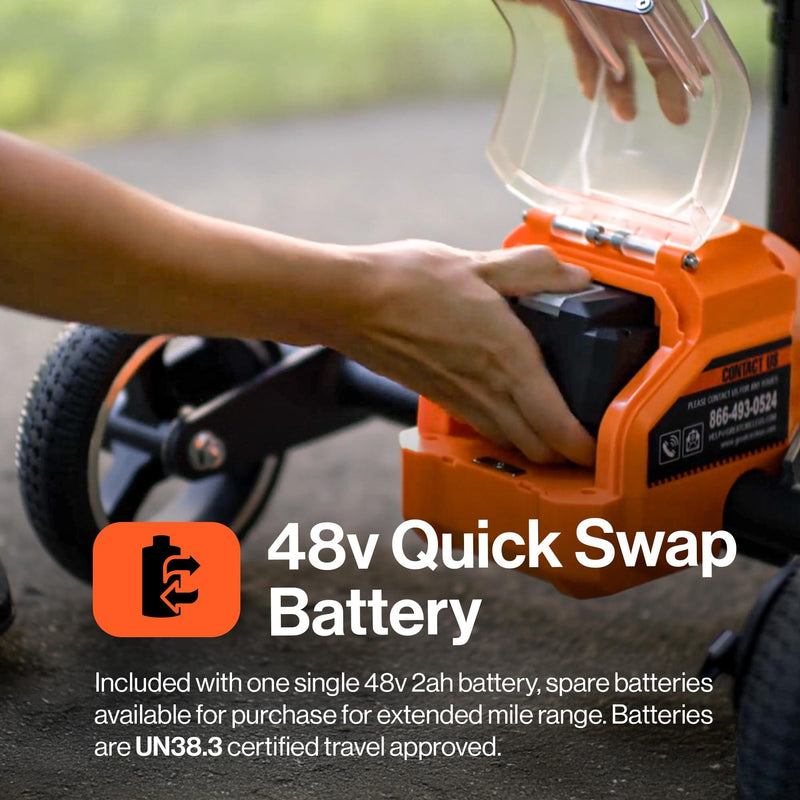
Always use the charger that came with your Mobility Scooter, as using an incompatible one can damage the battery. Most scooter batteries require 8 to 12 hours for a full charge. If you plan on storing your scooter for an extended period, ensure the battery is fully charged beforehand and top it up at least once a month to keep it in optimal condition.
Tire Maintenance: Ensuring a Smooth and Safe Ride
Your scooter's tires are its only point of contact with the ground, making them critical for safety, stability, and ride comfort. There are two main types of tires: pneumatic (air-filled) and solid (foam-filled or rubber). Solid tires are maintenance-free in terms of air pressure, but they still need to be inspected for significant wear or damage.
Pneumatic tires, on the other hand, require regular attention. Use a tire pressure gauge to check the pressure weekly, ensuring it matches the recommended PSI (pounds per square inch) listed in your user manual or on the tire’s sidewall. Underinflated tires can reduce your battery’s range, increase the risk of a flat, and create an unstable ride. For any type of tire, regularly inspect the tread for signs of wear, bald spots, cracks, or embedded objects like glass or sharp stones. A well-maintained set of tires on your Mobility Scooter ensures every journey is a smooth and secure one.
Brake System Checks: Your Safety is Paramount
A reliable braking system is non-negotiable for any vehicle, and your mobility scooter is no exception. Most modern mobility scooters feature an automatic, electromagnetic braking system. This system engages automatically when you release the throttle or joystick, bringing the scooter to a safe and controlled stop. To test it, drive at a low speed on a flat, clear surface and let go of the throttle. The scooter should slow down smoothly without jerking or making grinding noises. If you notice any delay or unusual sounds, it's a sign that the brakes may need professional inspection. Some models also have a manual handbrake as a secondary or parking brake; check its cable for tension and ensure it engages firmly.
Understanding and Monitoring Your Scooter's Electronics
The electronic system is the brain of your Mobility Scooter. The central hub is the tiller console, which houses the key switch, battery gauge, speed controls, horn, and light switches. Get to know what the indicators on your specific model mean. The battery gauge is especially important—never let it drop completely to empty, as this can damage the battery over time. Keep the console clean and dry by wiping it with a soft, dry cloth. Never spray cleaning solutions directly onto the electronics. Periodically perform a visual check of any exposed wiring, ensuring there are no cracks, frays, or loose connections that could disrupt power or create a safety hazard. For battery care, Energy.gov shares tips for extending lithium-ion battery lifetime that are useful when planning charging and storage routines.

Seat and Armrest Upkeep: Comfort and Durability
Your comfort is key to enjoying your independence, and that starts with the seat and armrests. Regularly wipe down the vinyl or fabric upholstery with a suitable cleaner to prevent dirt and oils from breaking down the material. Check for any small rips or tears and patch them early to stop them from growing. More importantly, check the seat’s structural integrity. On a Mobility Scooter with a swivel seat, ensure the locking lever engages securely to prevent unexpected movement. Wiggle the seat and armrests; if they feel loose, tighten the bolts or knobs that secure them to the frame. A wobbly seat isn't just uncomfortable—it can be a serious safety risk.
Troubleshooting Common Mobility Scooter Issues
Even with diligent maintenance, you might occasionally run into a problem. Many common issues with mobility mobility scooters can be resolved with simple troubleshooting before you need to call a technician.
- Scooter Won’t Turn On: First, ensure the battery is fully charged. Check that the battery pack is seated correctly and that all connectors are secure. Make sure the key is fully inserted into the ignition. Lastly, check the freewheel lever (usually a red or black lever near the rear wheels); if the scooter is in freewheel mode, it disengages the motor and it will not power on.
- Diagnostic Beep Codes: If your scooter is beeping when you turn it on, it’s not just making noise—it's telling you what's wrong. A series of beeps is a diagnostic code. Your owner's manual for your specific Mobility Scooter will have a chart explaining what each code means, from a low battery warning to a throttle fault.
- Loss of Power or Sluggish Performance: If your scooter feels slow or weak, the most common culprit is a low battery. Give it a full charge cycle. Also, check that your speed dial hasn't been accidentally turned down. Riding on very thick carpet, steep inclines, or uneven terrain can also temporarily reduce speed and drain the battery faster.
- Circuit Breaker Trips: Most scooters have a reset-able circuit breaker to protect the electronics from power surges. If your scooter shuts off suddenly, wait a minute for it to cool down and then press the circuit breaker reset button (consult your manual for its location). If it trips repeatedly, it indicates an underlying electrical problem that needs professional service.
When to Seek Professional Maintenance or Repairs
While regular at-home maintenance can solve many common issues, some problems require the expertise of a qualified technician. Knowing when to call for professional help is crucial for your safety and the long-term health of your mobility scooter. You should seek professional service if you notice:
- Persistent Electrical Problems: If your scooter won't turn on, loses power intermittently, or has flickering lights despite a fully charged battery, there could be a complex issue with the wiring, controller, or console.
- Unusual Noises: Grinding, whining, or clicking sounds coming from the motor, transaxle, or wheels can indicate worn-out bearings, gear damage, or other internal mechanical failures. Don't ignore these auditory warnings.
- Brake System Failure: If your brakes feel weak, unresponsive, or make scraping sounds, stop using the scooter immediately and schedule a repair. A faulty braking system is a major safety hazard.
- Frame or Steering Damage: Any cracks in the frame, bent components, or significant play in the steering column compromises the structural integrity of your scooter and must be assessed by a professional.
- Controller or Motor Malfunctions: If your Mobility Scooter moves erratically, doesn't respond correctly to joystick or throttle commands, or displays persistent error codes that you can't clear, it's time for a diagnostic check.
Consider scheduling a professional tune-up annually, even if nothing seems wrong. A technician can spot developing issues, perform complex adjustments, and ensure your scooter remains in peak condition.
Storing Your Mobility Scooter Properly
Proper storage is essential for protecting your investment from the elements and preserving battery life. Where and how you store your mobility scooter can have a significant impact on its longevity. For battery care, Energy.gov shares tips for extending lithium-ion battery lifetime that are useful when planning charging and storage routines.
For daily or short-term storage, choose a clean, dry, and secure indoor location like a garage, a shed, or a designated corner in your home. Avoid leaving it outdoors where it can be exposed to rain, humidity, or extreme temperatures.
For long-term storage (a month or longer), follow these steps:
- Clean It Thoroughly: Remove all dirt, dust, and grime from the frame, seat, and wheels.
- Charge the Battery: Ensure the battery is fully charged before putting the scooter away. A partially drained battery can lose its ability to hold a charge over time.
- Find a Climate-Controlled Spot: Store the scooter in a location that is not subject to extreme heat or freezing temperatures, as this can damage the battery and electronic components.
- Maintain the Charge: To prevent irreversible battery damage, it's a good practice to check and top off the battery charge at least once a month.
- Elevate if Possible: If storing for several months, place the scooter on blocks to lift the tires off the ground. This prevents flat spots from developing and relieves pressure on the wheels and axles.
Proper storage is a simple but effective way to ensure your Mobility Scooter is ready to go when you are.

Seasonal Maintenance Tips for Mobility Scooters
Your maintenance routine should adapt to the changing seasons to keep your mobility scooter running smoothly all year round.
- Spring: As the weather warms up, give your scooter a thorough inspection. After a winter of storage or limited use, check the tire pressure, test all lights and signals, and fully charge the battery. Clean off any residual salt or grime from winter roads to prevent corrosion.
- Summer: The biggest threat in summer is heat. Avoid leaving your scooter in direct sunlight for extended periods, as this can damage plastic shrouds, fade the seat, and potentially harm the electronics. High temperatures can also affect battery performance, so keep an eye on your charge level on hot days.
- Autumn: Prepare for wetter weather and shorter days. Double-check your tire tread for good traction on wet leaves and slick pavement. Ensure all your lights are bright and functional for increased visibility. Regularly clean mud and debris from the undercarriage.
- Winter: Cold temperatures are tough on batteries, reducing their range and efficiency. If possible, store your Mobility Scooter in a heated area. When riding in cold weather, be aware that you may not get the same distance on a single charge. Always wipe down your scooter after riding on salted or treated surfaces to prevent rust.
Accessorizing Your Scooter for Enhanced Functionality and Protection
Accessories can transform your mobility scooter from a basic transport device into a personalized tool that perfectly fits your lifestyle. They can also add layers of protection and safety.
For Functionality and Convenience:
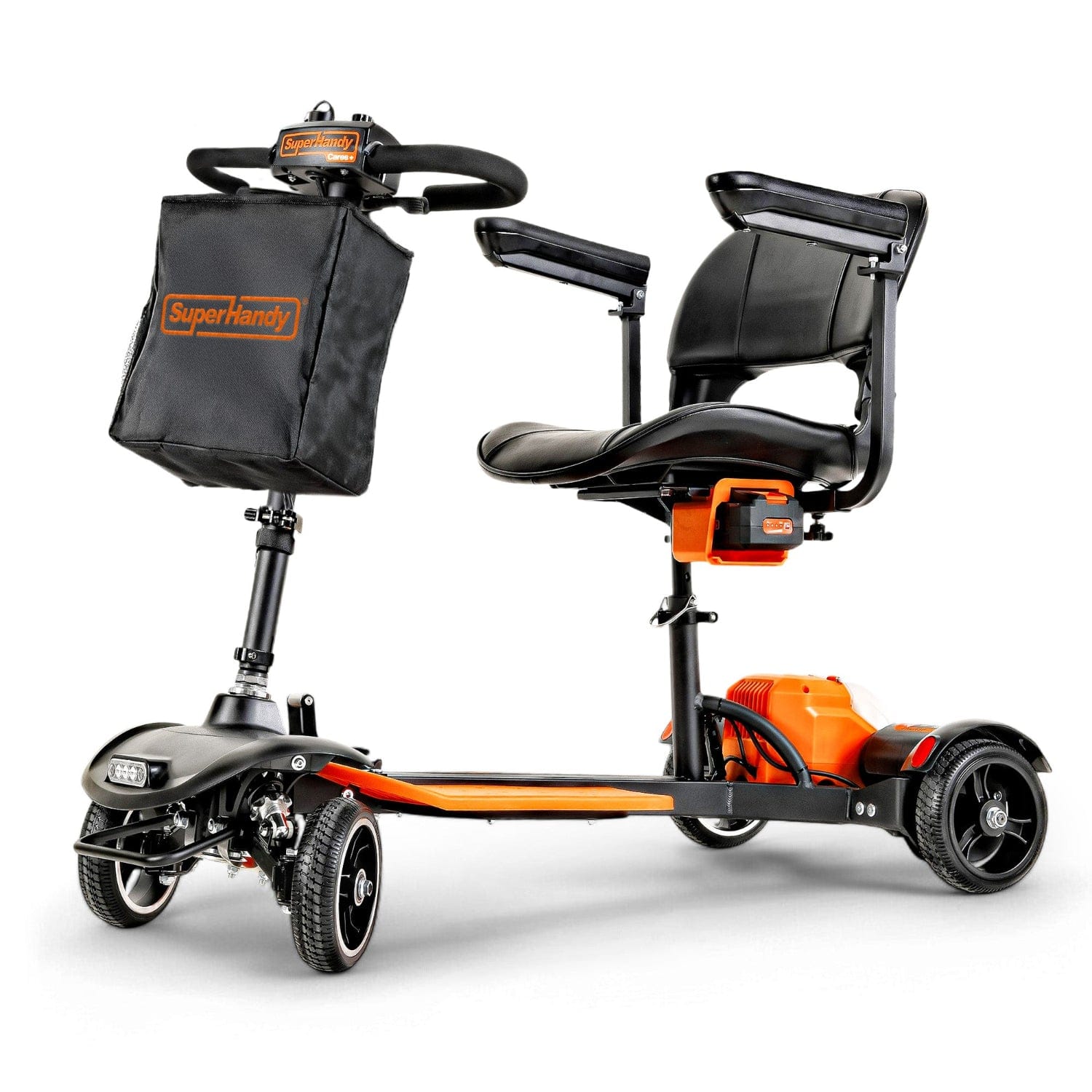
- Baskets and Bags: A front basket or a large rear bag is suitable for carrying groceries, personal items, or shopping bags.
- Holders: Specialized holders for canes, crutches, oxygen tanks, or even a cup of coffee can make your journeys much more convenient.
- Phone Mount: A secure phone mount keeps your device accessible for navigation or communication.
For Protection and Safety:
- Scooter Cover: A durable, weather-resistant cover protects your scooter from dust, moisture, and sun damage, whether it's parked outside a shop or stored in your garage.
- Safety Flag: A tall, brightly colored flag increases your visibility to pedestrians and vehicle traffic, especially in busy areas.
- Extra Lighting: Adding reflective tape or supplementary LED lights can significantly improve how well others can see you in low-light conditions.
- Padded Seat Cover: A comfortable seat cover not only enhances comfort on longer rides but also protects the original vinyl from wear, tear, and sun damage.
When adding accessories, ensure they are installed securely and do not interfere with the scooter's controls, lights, or safe operation.

Frequently Asked Questions About Mobility Scooter Maintenance
Proper maintenance can seem daunting, but it's often about building simple, regular habits. To help you get started, we've compiled answers to some of the most common questions we receive about caring for mobility mobility scooters. These tips will help you keep your device running safely and reliably for years to come, ensuring your freedom and independence are never compromised by a preventable issue.
FAQ: How often should I charge my mobility scooter battery?
The simplest and most effective rule for battery health is to charge your mobility scooter after every use. This is especially critical for scooters with traditional Sealed Lead Acid (SLA) or Absorbent Glass Mat (AGM) batteries. These types of batteries perform best when kept at or near a full charge. Allowing them to drain completely, or even significantly, can lead to permanent damage that reduces the battery's capacity and shortens its overall lifespan. By plugging it in after each ride—even a short one to the mailbox—you ensure it’s always ready for your next journey and you maximize its long-term health.
Many users worry about overcharging, but modern mobility scooters come with smart chargers. These intelligent devices automatically stop the main charging process once the battery is full and switch to a maintenance or "trickle" mode. This keeps the battery topped off without risk of damage, making it perfectly safe to leave your scooter plugged in overnight. Even for a modern Mobility Scooter with a lightweight lithium-ion battery, establishing a regular charging routine is a great habit. While more resilient to partial charging, keeping it consistently charged ensures you always have the maximum range available when you need it. If you plan to store your scooter for an extended period, charge the battery fully beforehand and then plug it in for a full 8-10 hour cycle at least once a month to prevent it from dying. For battery care, Energy.gov shares tips for extending lithium-ion battery lifetime that are useful when planning charging and storage routines.
FAQ: What are the signs of a worn-out tire on a mobility scooter?
Your scooter's tires are its only point of contact with the ground, making them essential for safety, stability, and ride comfort. Regularly inspecting them for wear and tear is a non-negotiable part of maintenance. Knowing what to look for can help you prevent a potential accident and ensure a smooth ride.
Here are the key signs that your tires need to be replaced:
-
Bald or Worn-Down Tread: The most obvious sign is a lack of tread. The grooves on your tires are designed to channel away water and provide grip. Once these grooves become shallow or disappear entirely, your scooter will have significantly less traction, especially on wet, slick, or uneven surfaces. A tire with a smooth, "bald" surface is a clear indicator that a replacement is overdue.
-
Cracking on the Sidewalls: Carefully inspect the sides of your tires for small cracks or fissures. This phenomenon, often called "dry rot," occurs as the rubber ages and is exposed to sunlight and temperature fluctuations. Cracked tires are brittle and can fail unexpectedly, posing a serious safety risk.
-
Bulges or Blisters: If you notice any unusual lumps, bulges, or blisters on any part of the tire, stop using the scooter immediately and have the tire replaced. These indicate a weak spot in the tire's internal structure, which could lead to a sudden and dangerous blowout.
-
Poor Ride Quality: A ride that feels unusually bumpy, wobbly, or unstable can also point to tire issues. Uneven wear can throw off the scooter's balance, leading to vibrations that you can feel through the tiller and seat. While this could also be an alignment issue, worn tires are a common culprit.
It's important to note that these signs apply to both air-filled (pneumatic) and solid tires. While a solid-tire Mobility Scooter won't get a flat, its tires can still wear down, become cracked, or have chunks of material break off, all of which compromise safety. No matter what type of Mobility Scooter you own, regular tire checks are a must.
FAQ: How often should I charge my mobility scooter battery?
The simplest and most effective rule for battery health is to charge your mobility scooter after every use. This is especially critical for scooters with traditional Sealed Lead Acid (SLA) or Absorbent Glass Mat (AGM) batteries. These types of batteries perform best when kept at or near a full charge. Allowing them to drain completely, or even significantly, can lead to permanent damage that reduces the battery's capacity and shortens its overall lifespan. By plugging it in after each ride—even a short one to the mailbox—you ensure it’s always ready for your next journey and you maximize its long-term health.
Many users worry about overcharging, but modern mobility scooters come with smart chargers. These intelligent devices automatically stop the main charging process once the battery is full and switch to a maintenance or "trickle" mode. This keeps the battery topped off without risk of damage, making it perfectly safe to leave your scooter plugged in overnight. Even for a modern Mobility Scooter with a lightweight lithium-ion battery, establishing a regular charging routine is a great habit. While more resilient to partial charging, keeping it consistently charged ensures you always have the maximum range available when you need it. If you plan to store your scooter for an extended period, charge the battery fully beforehand and then plug it in for a full 8-10 hour cycle at least once a month to prevent it from dying.
FAQ: What are the signs of a worn-out tire on a mobility scooter?
Your scooter's tires are its only point of contact with the ground, making them essential for safety, stability, and ride comfort. Regularly inspecting them for wear and tear is a non-negotiable part of maintenance. Knowing what to look for can help you prevent a potential accident and ensure a smooth ride.

Here are the key signs that your tires need to be replaced:
-
Bald or Worn-Down Tread: The most obvious sign is a lack of tread. The grooves on your tires are designed to channel away water and provide grip. Once these grooves become shallow or disappear entirely, your scooter will have significantly less traction, especially on wet, slick, or uneven surfaces. A tire with a smooth, "bald" surface is a clear indicator that a replacement is overdue.
-
Cracking on the Sidewalls: Carefully inspect the sides of your tires for small cracks or fissures. This phenomenon, often called "dry rot," occurs as the rubber ages and is exposed to sunlight and temperature fluctuations. Cracked tires are brittle and can fail unexpectedly, posing a serious safety risk.
-
Bulges or Blisters: If you notice any unusual lumps, bulges, or blisters on any part of the tire, stop using the scooter immediately and have the tire replaced. These indicate a weak spot in the tire's internal structure, which could lead to a sudden and dangerous blowout.
-
Poor Ride Quality: A ride that feels unusually bumpy, wobbly, or unstable can also point to tire issues. Uneven wear can throw off the scooter's balance, leading to vibrations that you can feel through the tiller and seat. While this could also be an alignment issue, worn tires are a common culprit.
It's important to note that these signs apply to both air-filled (pneumatic) and solid tires. While a solid-tire Mobility Scooter won't get a flat, its tires can still wear down, become cracked, or have chunks of material break off, all of which compromise safety. No matter what type of Mobility Scooter you own, regular tire checks are a must.
Related Products




Leave a comment
All comments are moderated before being published.
This site is protected by hCaptcha and the hCaptcha Privacy Policy and Terms of Service apply.