




















Understanding Your Lightweight Mobility Scooter's Components
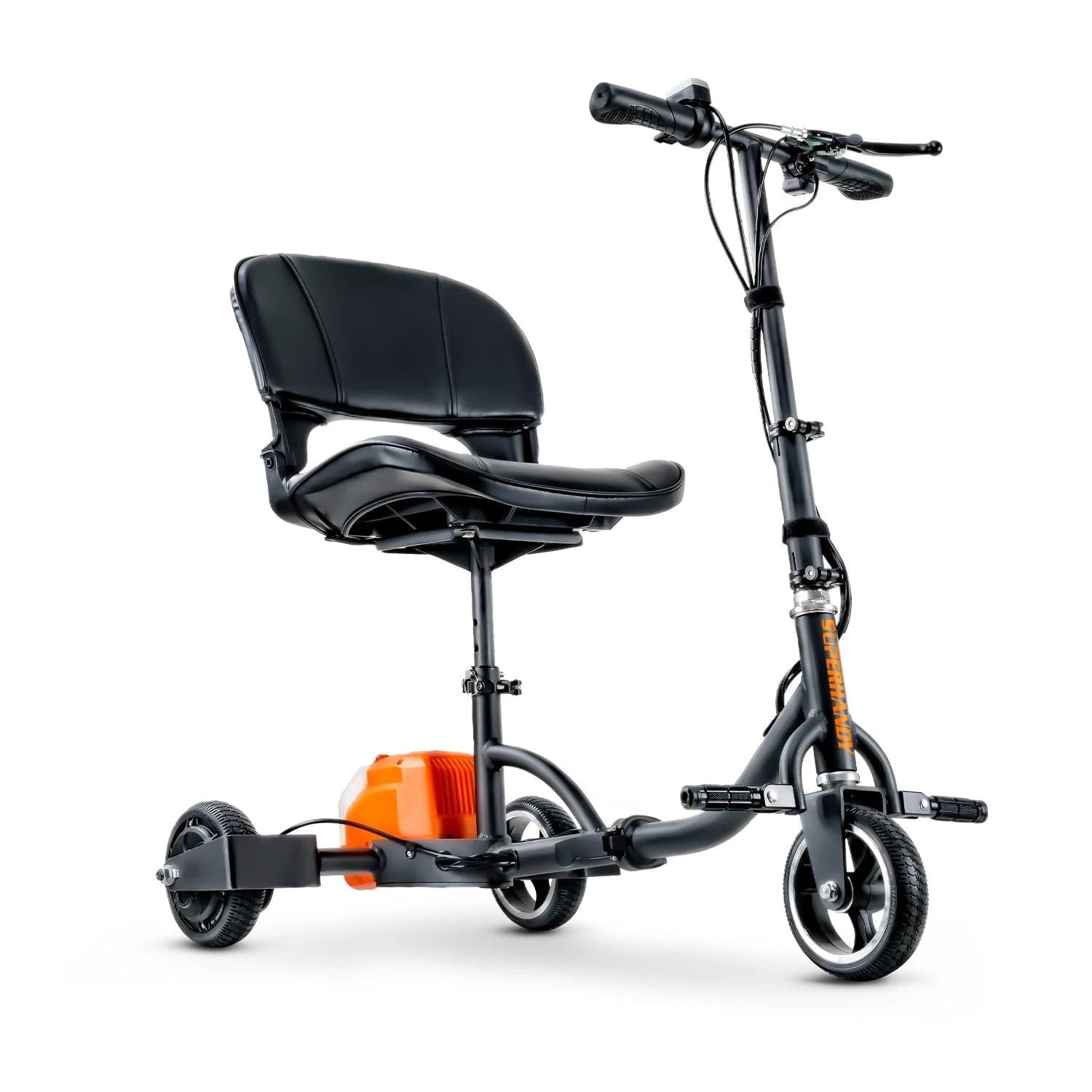
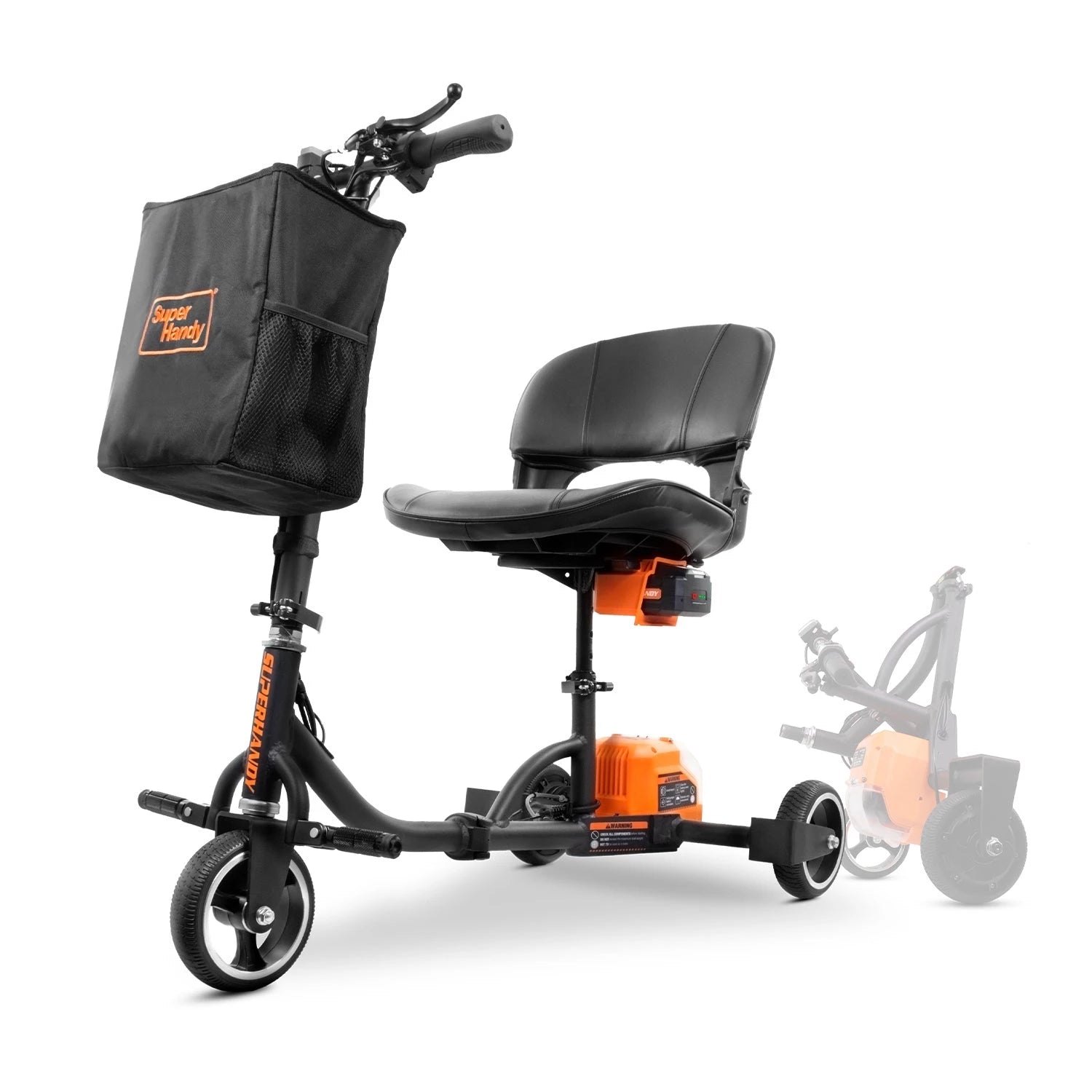
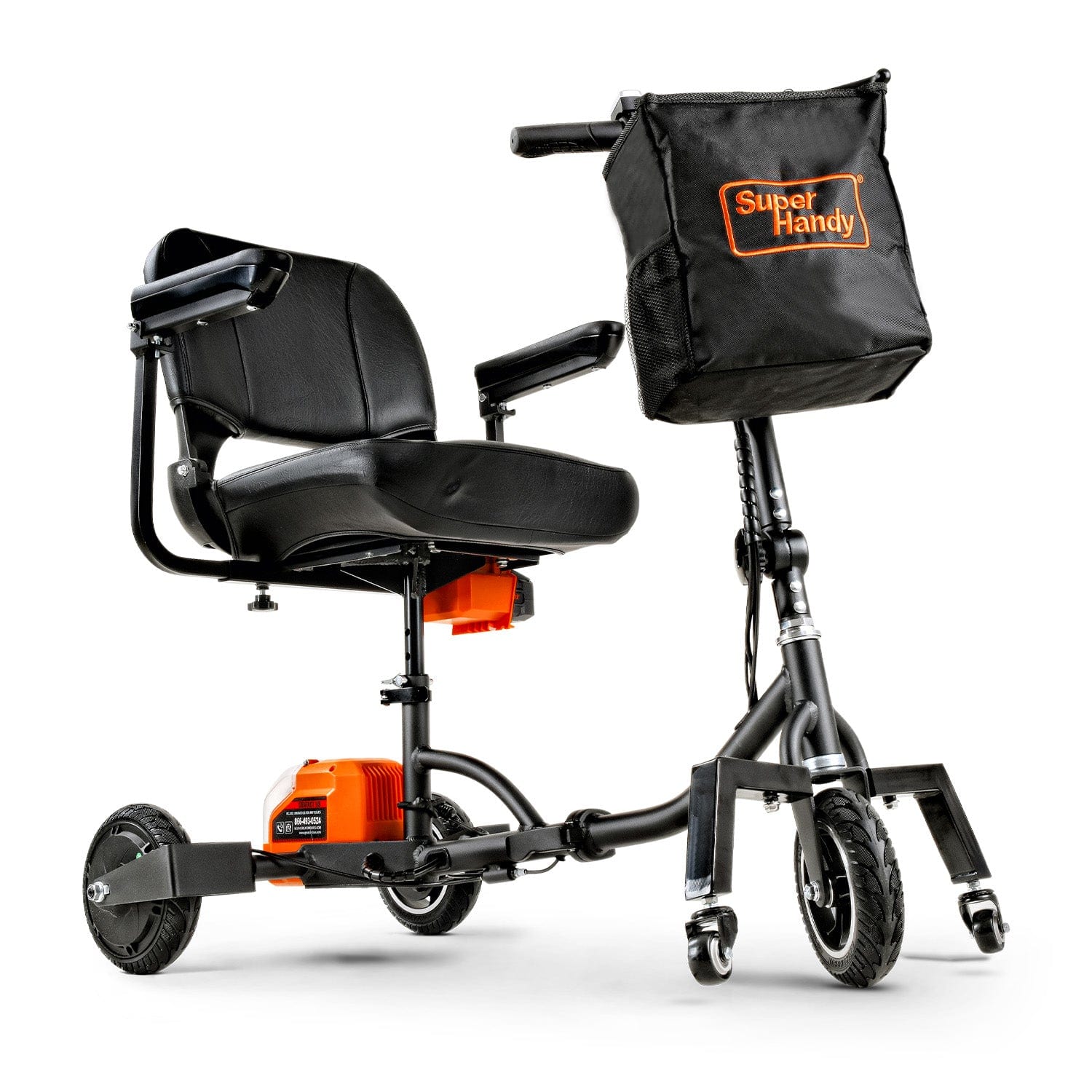
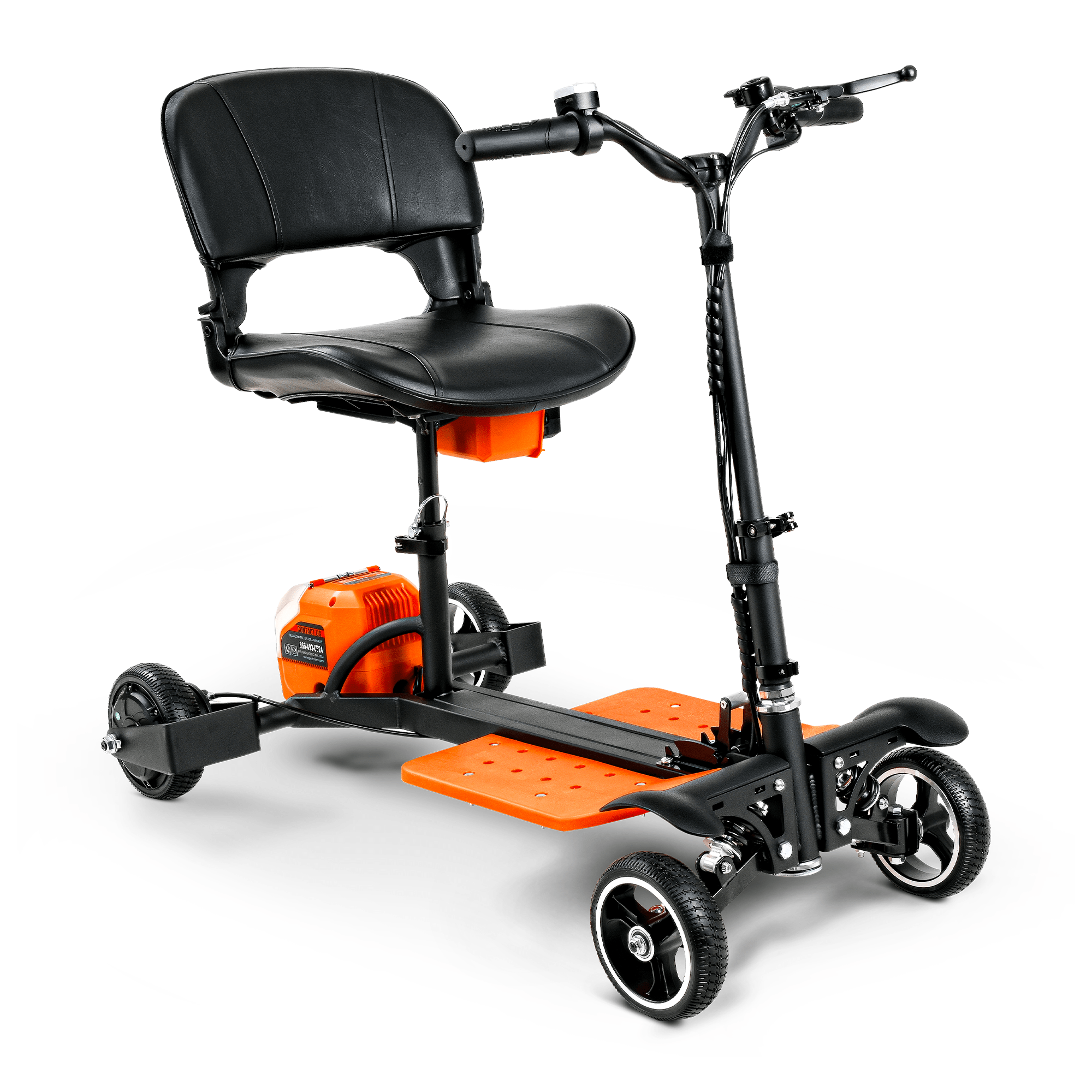
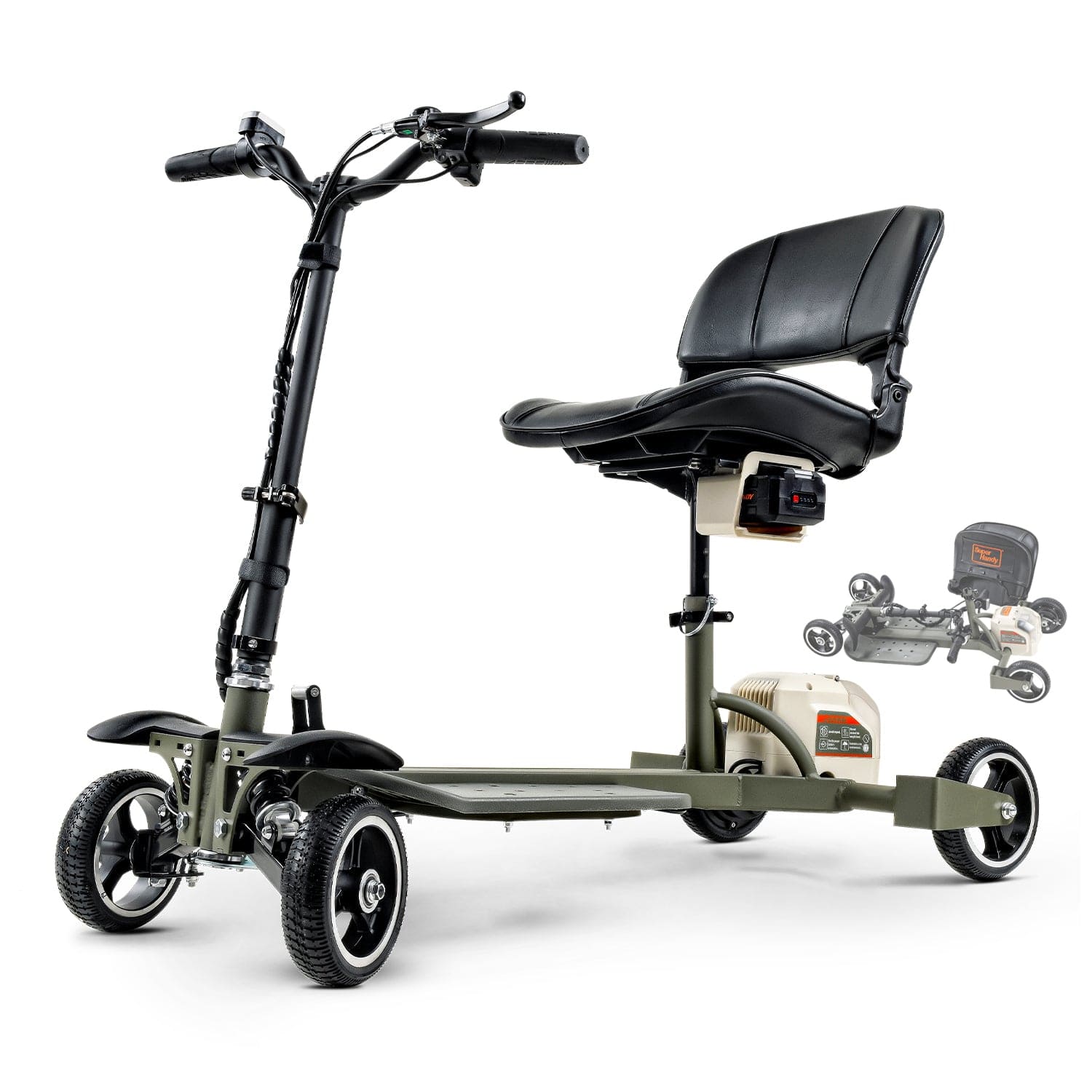
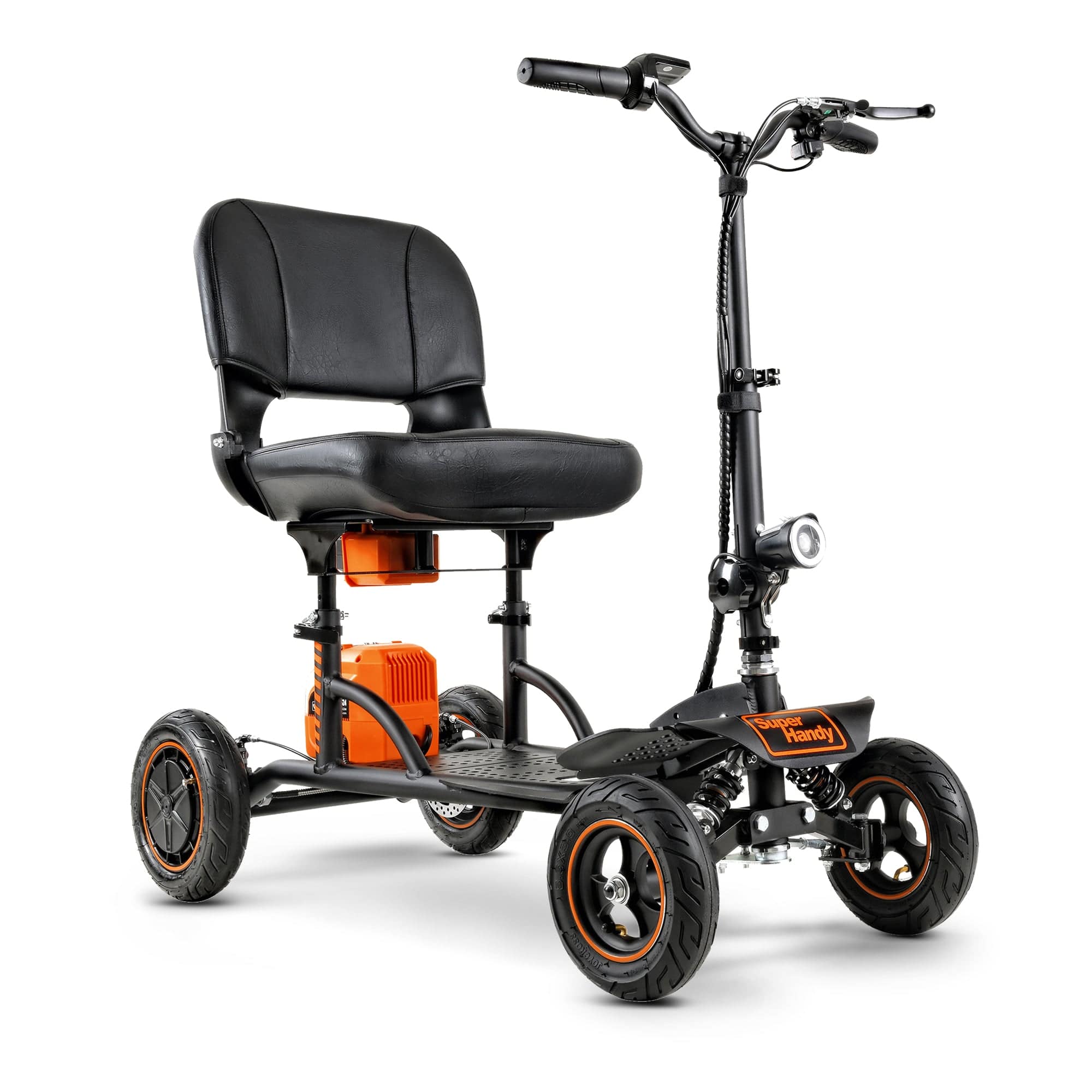
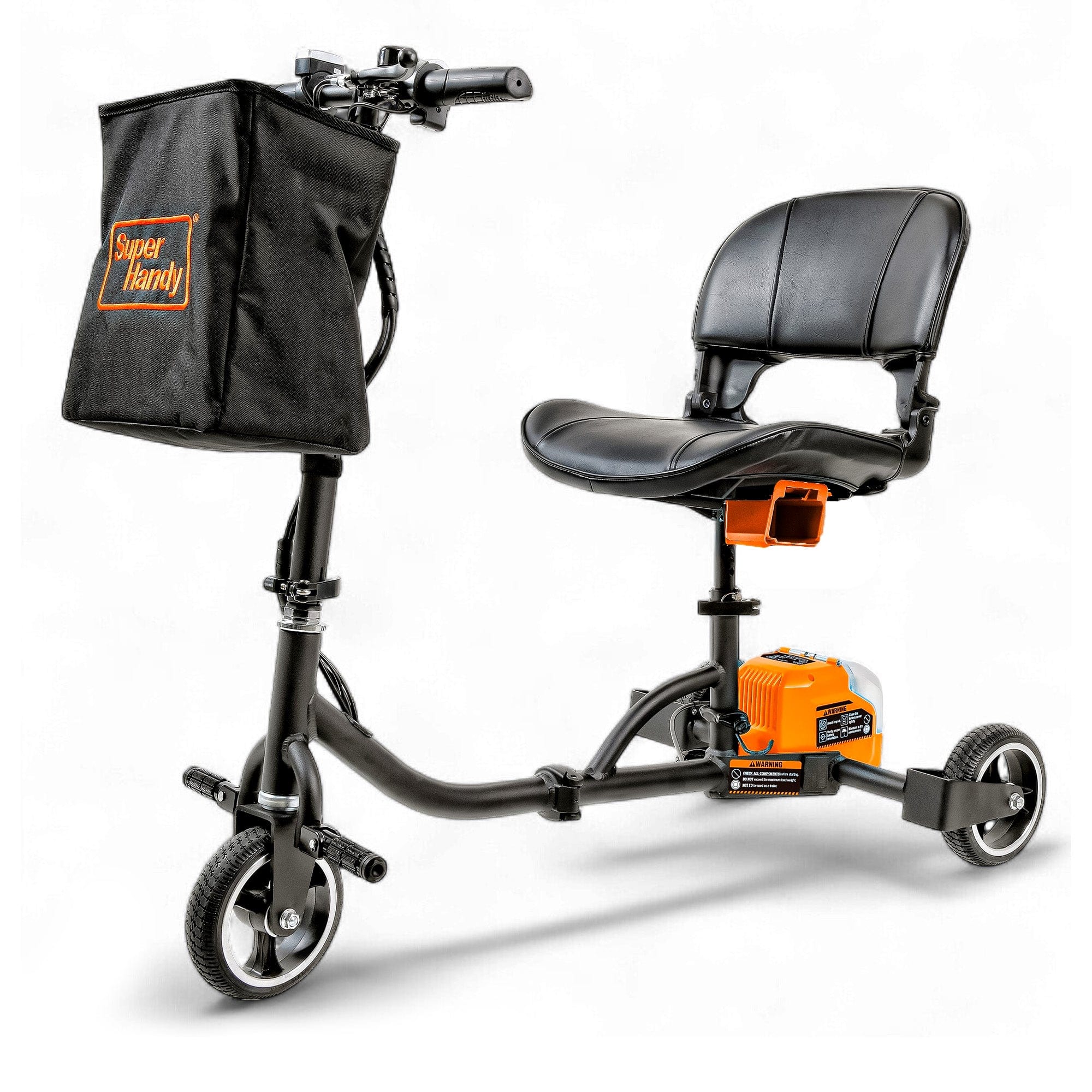
Before you can properly maintain your scooter, it’s important to know its key parts. While designs vary, most lightweight models share a common anatomy. Familiarizing yourself with these components will help you spot potential issues early and understand the maintenance steps that follow. These devices are a popular type of mobility aids, designed to help people with mobility challenges get around safely and easily.
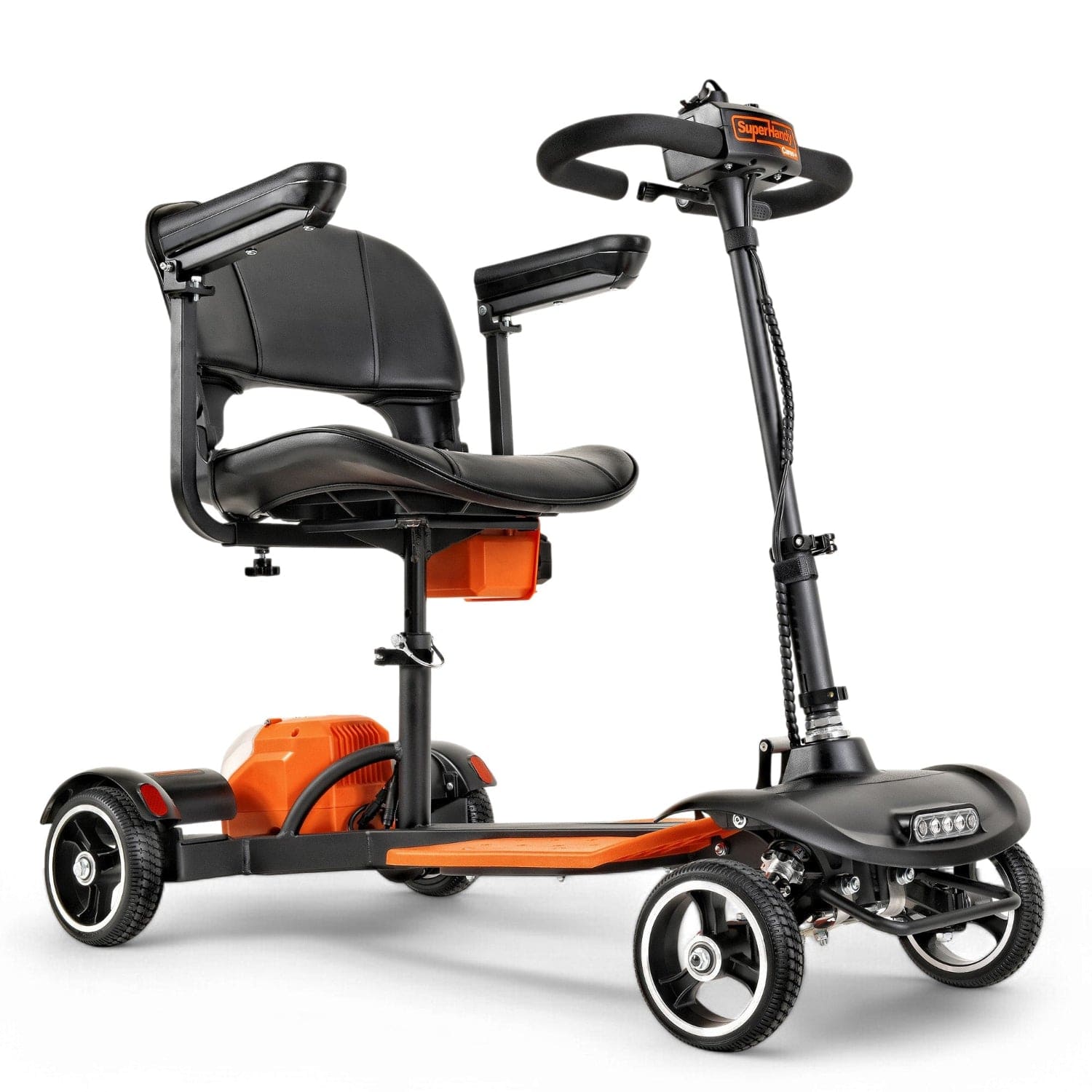
- Tiller and Control Panel: This is your command center. The tiller is the steering column, which houses the control panel. Here you'll find the throttle (wig-wag lever), speed controls, horn button, light switches, and the all-important battery gauge.
- Seat: The seat provides comfort and stability. Most are cushioned, can swivel for easy access, and are often height-adjustable. The seat assembly must be securely locked in place for safe operation.
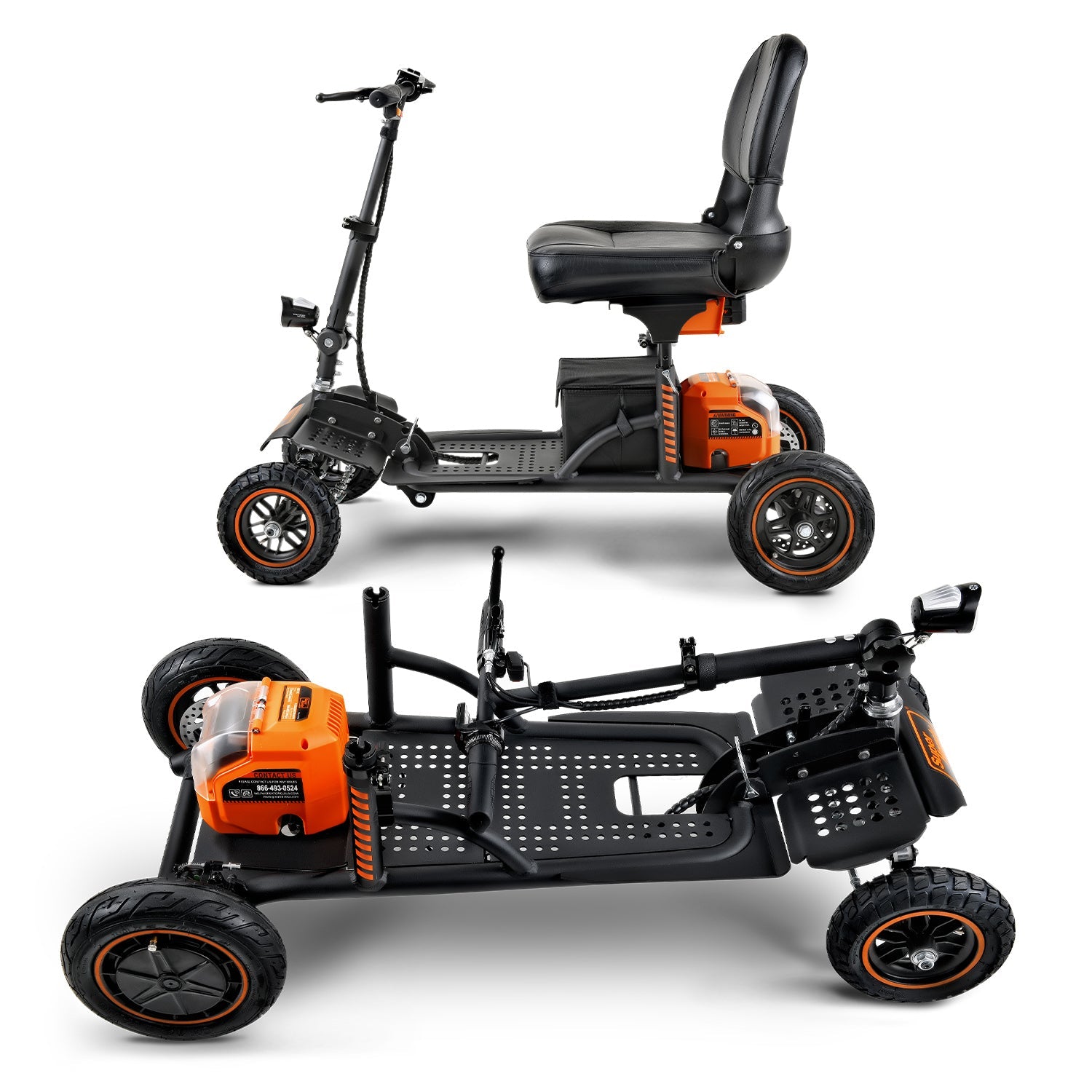
- Chassis and Frame: This is the scooter's skeleton. In a lightweight Mobility Scooter, the frame is often designed to be easily folded or disassembled for transport and storage.
- Battery and Motor: The battery is the powerhouse, providing the electricity to run the motor. Most modern lightweight scooters use long-lasting, lightweight lithium-ion batteries. The motor, or transaxle, is the drivetrain that turns the wheels.
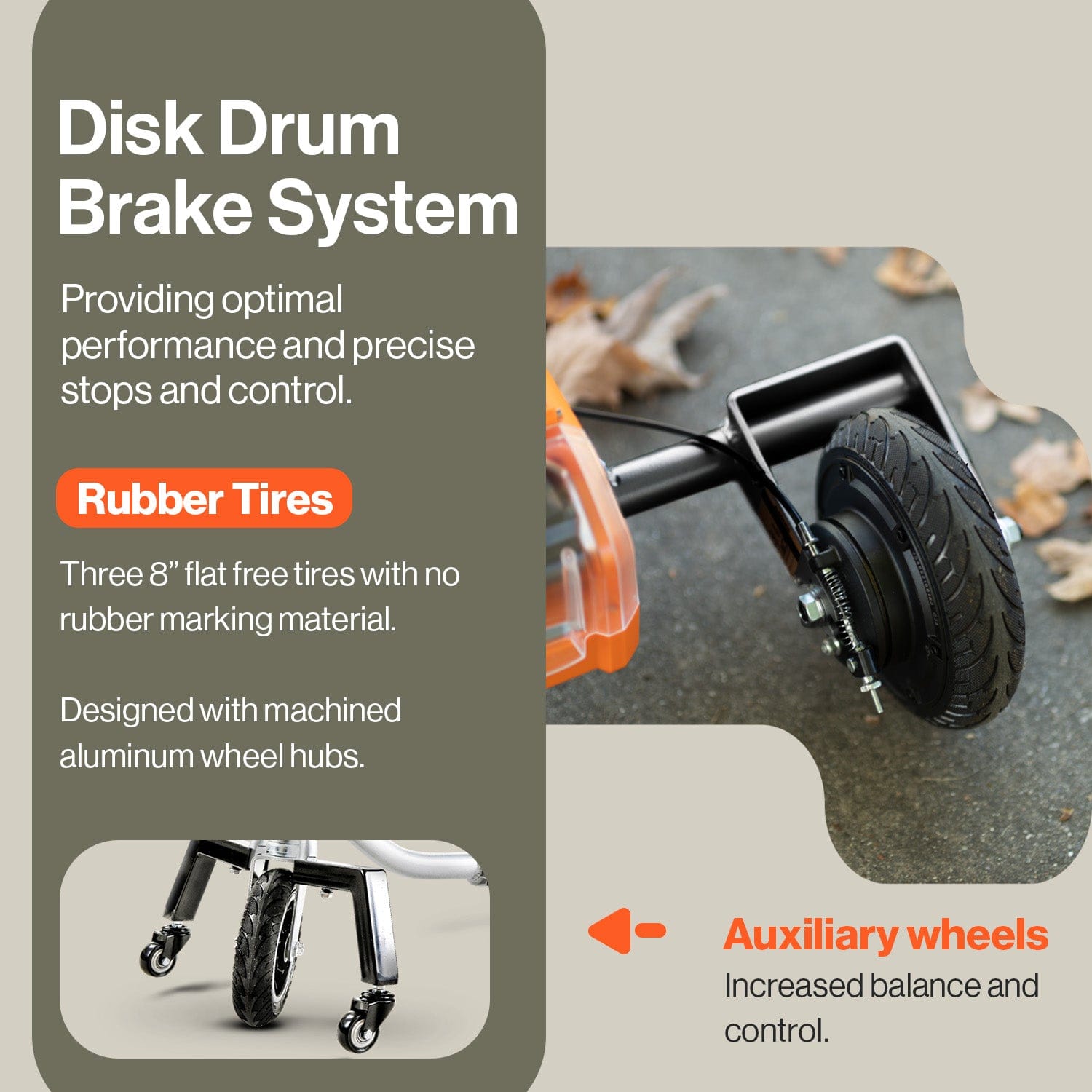
- Wheels and Tires: Lightweight scooters typically have three or four wheels with solid, puncture-proof tires. These are designed for durability and low maintenance, ideal for smooth indoor and outdoor surfaces.

Daily Checks: Simple Steps for Immediate Safety and Performance
A quick, two-minute inspection before your first ride of the day is the single best habit you can develop for safety and reliability. This pre-ride check helps you catch small problems before they become major hazards on the go.
Make these steps part of your daily routine:
- Check the Battery Gauge: Always glance at the control panel before setting off. Ensure you have enough charge for your planned journey. Getting stranded with a dead battery is easily avoidable.
- Test the Horn and Lights: Press the horn button and switch on the lights (if equipped). This ensures you can be seen and heard by others, which is critical for safety in busy areas.
- Inspect the Tires: Do a quick visual scan of all tires. Look for any significant wear, cracks, or embedded debris, even on solid tires. While they won't go flat, damaged tires can affect your ride quality and grip.
- Test the Brakes: Most scooters have automatic braking systems that engage when you release the throttle. As you start to move slowly, release the throttle lever to confirm the scooter comes to a smooth, prompt stop.
- Feel the Tiller: Give the tiller a gentle wiggle. It should feel secure and responsive, with no excessive looseness or rattling.
Weekly Maintenance: Deep Cleaning and Visual Inspections
Once a week, set aside about 15 minutes for a more thorough check-up and cleaning. This not only keeps your Mobility Scooter looking new but also gives you a chance to spot developing issues like loose hardware or wear and tear.
For Cleaning: Start by wiping down the entire scooter with a soft, damp cloth. You can use a mild solution of soap and water for tougher grime on the plastic shrouds and frame. Focus on keeping the seat, tiller, and foot deck clean. Important: Never use a high-pressure hose or power washer to clean your scooter. Water can penetrate the electronic components and cause severe, costly damage. Always use a cloth and dry the scooter thoroughly after cleaning.
For Visual Inspection: After cleaning, perform a closer inspection:
- Check Hardware: Look for any loose nuts, bolts, or screws, paying special attention to the seat post, armrests, and tiller locking mechanism. Tighten any loose hardware you find.
- Inspect Wiring: Examine any visible wiring, particularly around the tiller and battery compartment. Look for any signs of fraying, pinching, or damaged insulation.
- Examine the Seat: Ensure the seat post lock is functioning correctly and that the seat is firmly secured with no wobble when locked in place.

Monthly Battery Care: Maximizing Power and Lifespan
The battery is the heart and the most expensive consumable part of your mobility scooter. Proper care is non-negotiable if you want to maximize its range and overall lifespan. Lithium-ion batteries, common in modern lightweight scooters, benefit greatly from a consistent care routine.
- Charge After Every Use: This is the golden rule of battery maintenance. Get into the habit of plugging in your scooter after each outing, no matter how short. Batteries are happiest when they are fully charged. Leaving a battery in a partially discharged state for long periods can shorten its life.
- Avoid Deep Discharges: Try not to run your battery completely empty. While the battery gauge helps, it's best to recharge well before it hits the red zone. Consistently draining the battery to zero can cause irreversible damage to the battery cells.
- Use the Correct Charger: Always use the charger that came with your Mobility Scooter. Chargers are specifically designed for your scooter's battery voltage and chemistry. Using an incompatible charger can be ineffective at best and a dangerous fire hazard at worst.
- Inspect Battery Terminals: Once a month, check the battery terminals for corrosion. If your battery is accessible, look for a white or greenish powdery buildup. If you see any, you can clean it off with a stiff brush and a paste of baking soda and water (after ensuring the battery is disconnected from the scooter). A clean connection ensures efficient power transfer.
Tire Maintenance: Ensuring Grip and Preventing Flats
Your scooter's tires are its only connection to the ground, making their maintenance essential for both safety and a smooth ride. Most lightweight mobility scooters are equipped with solid, puncture-proof tires, which eliminates the worry of flats and the need to check air pressure. However, they still require regular inspection.
For solid tires, your main focus should be on wear and tear. At least once a week, give your tires a close look. Run your hand over the surface to check for:
- Tread Depth: Just like car tires, scooter tires have treads for grip. If the treads are worn smooth, the tire's ability to grip surfaces, especially when wet, is significantly reduced.
- Cracks or Splits: Inspect the sidewalls and the treaded surface for any cracking. Dry, brittle rubber can chip away, leading to an uneven ride and poor traction.
- Flat Spots: If a scooter is stored for a very long time without being moved, flat spots can develop. These create a bumpy, uncomfortable ride.
Keeping the tires clean is also important. Use a damp cloth to wipe away dirt, small stones, and other debris that can get lodged in the treads. For pneumatic (air-filled) tires, you must also check the tire pressure weekly with a gauge, inflating them to the PSI level recommended on the tire sidewall. Proper tire care ensures your Mobility Scooter remains stable and responsive on all your journeys.

Brake System Checks: Critical for Safe Operation
A reliable braking system is arguably the most important safety feature on your lightweight mobility scooter. Most modern, lightweight models use an automatic braking system, often called an electromagnetic or regenerative brake. This system is designed to engage automatically the moment you release the throttle lever, bringing you to a safe and controlled stop.
Because the system is automatic, your "check" is more of a functional test. Before each ride, perform this simple safety check in a clear, flat area:
- Turn your scooter on.
- Set the speed to its lowest setting.
- Gently push the throttle lever to move forward a few feet.
- Release the throttle lever completely.
Your scooter should slow down and come to a smooth, prompt stop without any jolting or strange noises. You should also test the brake's holding power on a gentle slope. When you release the throttle, the electromagnetic brake should engage and prevent the scooter from rolling backward. If you hear any grinding sounds or if the scooter fails to stop quickly, do not use it. Consult your owner's manual or a service technician immediately. Regular testing of the brakes on your Mobility Scooter is non-negotiable for your safety.
Understanding Battery Charging Best Practices
The battery is the heart of your electric mobility scooter, and its lifespan is directly tied to your charging habits. Proper battery care will maximize your daily range and save you from the cost of a premature replacement. Follow these best practices to keep your battery in peak condition.
First, always charge your battery fully after every use, no matter how short the trip was. Lithium-ion batteries, which are common in lightweight models, perform best when they are kept topped off. Allowing the battery to drain completely can cause irreversible damage and shorten its overall life. It's also wise to charge the battery for a full 8-12 hours before its very first use to condition it properly.
Always use the charger that was supplied with your scooter. Using an incompatible charger can damage the battery and poses a significant safety risk. Charge your battery indoors in a dry, well-ventilated space at room temperature. Avoid charging in extreme heat or cold, as this can affect the battery's health. While most modern chargers have an auto shut-off feature, it's good practice to unplug it once the indicator light shows it is fully charged. If you plan on traveling by air, be aware that airlines have specific rules for transporting mobility devices with lithium-ion batteries; you can review the official FAA PackSafe wheelchair and mobility-device battery rules and should always contact your airline ahead of time for approval.

Troubleshooting Common Lightweight Mobility Scooter Issues
Even with perfect maintenance, you may occasionally encounter a minor issue. Before calling for professional service, you can often solve the problem yourself with a few simple checks. Here are some common issues and their likely solutions.
Problem: The scooter will not turn on.
- Check the Battery: Is the battery pack seated correctly and locked in place? Is the battery fully charged?
- Check the Key/Power Button: Ensure the key is fully inserted and turned to the "on" position, or that the power button has been pressed.
- Check the Circuit Breaker: Some models have a reset button for the main circuit breaker. Check your manual to locate it and see if it needs to be reset.
- Check Freewheel Mode: Make sure the freewheel lever (which disengages the motor to allow for manual pushing) is in the "drive" or "engaged" position. Most scooters will not power on as a safety feature if they are in freewheel mode.
Problem: The scooter stops suddenly or feels underpowered.
- Check Battery Level: The most common cause is a low battery. Check the battery gauge on the console and recharge immediately if it's low.
- Check for Overheating: If you've been riding for a long time or up steep hills, the motor may have overheated. Let the scooter sit for a while to cool down.
Problem: The scooter is making a beeping sound.
- Consult the Manual: Beep codes are a diagnostic tool. The number and pattern of the beeps correspond to a specific issue. Your owner's manual will have a chart explaining what these codes mean (e.g., two beeps might mean low battery, while five beeps could indicate a brake lever issue).
If these basic troubleshooting steps don't resolve the issue with your Mobility Scooter, it’s time to refer to your detailed owner's manual or contact a qualified service technician for assistance.
When to Seek Professional Servicing for Your Scooter
While daily, weekly, and monthly maintenance can be handled at home, some issues require the expertise of a qualified technician. Attempting complex repairs without the right tools or knowledge can void your warranty or, worse, compromise your safety. Think of professional servicing as an annual health check-up for your scooter. It's a smart investment in its longevity and your peace of mind.
You should seek professional help immediately if you notice any of the following red flags:
- Persistent Electrical Issues: If your scooter won’t turn on, the battery indicator is behaving erratically despite being fully charged, or the lights and horn are malfunctioning, it could signal a problem with the wiring, controller, or console.
- Motor or Transaxle Noises: Any grinding, whining, or clicking sounds coming from the motor or transaxle area during operation are serious warning signs. These components are the heart of your Mobility Scooter, and unusual noises often mean internal wear or damage that requires professional diagnosis.
- Brake System Failure: If your brakes feel less responsive, make scraping sounds, or fail to engage properly, stop using the scooter and call a service center. Your braking system is your most critical safety feature.
- Frame or Steering Damage: Any visible cracks in the frame, a wobbly steering column (tiller), or difficulty steering indicates a structural problem that could lead to a complete failure.
- Error Codes: Many modern scooters display error codes on the dashboard. Consult your user manual to identify the code, but if it points to a motor, controller, or brake fault, it’s time to call in the pros.
Storing Your Lightweight Mobility Scooter: Long-Term Preservation
Proper storage is essential, especially if you won’t be using your lightweight mobility scooter for an extended period, such as during the winter months. Improper storage can lead to battery degradation, rust, and flat-spotted tires. Following these steps will ensure your scooter is ready to go when you are.
- Clean Thoroughly: Before storing, give your scooter a complete cleaning. Remove any dirt, mud, or grime from the frame, seat, and wheels. This prevents corrosion and keeps pests away.
- Manage the Battery: The battery is the most sensitive component during storage. Never store your scooter with a fully depleted or fully charged battery. Aim for a charge level of around 50-75%. Most importantly, you must recharge the battery at least once a month to prevent it from losing its ability to hold a charge. Store the battery in a cool, dry place, ideally separate from the scooter if it's easily removable.
- Choose the Right Location: The ideal storage spot is indoors, dry, and not subject to extreme temperature fluctuations. A garage, shed, or spare room works well. Avoid leaving it outdoors, even under a cover, as humidity and temperature swings can damage electrical components.
- Elevate the Scooter: If possible, use blocks to lift the scooter so the tires are off the ground. This prevents the tires from developing flat spots from sitting in one position for months, which can cause a bumpy ride later on.
- Cover It Up: Use a breathable scooter cover to protect it from dust, debris, and moisture while still allowing for air circulation. Avoid using plastic tarps, which can trap condensation and lead to rust or mold.
Accessorizing for Enhanced Durability and Convenience
Accessories aren't just for looks; they can significantly improve the durability and functionality of your scooter. Investing in the right add-ons protects your machine and customizes it for your specific needs.
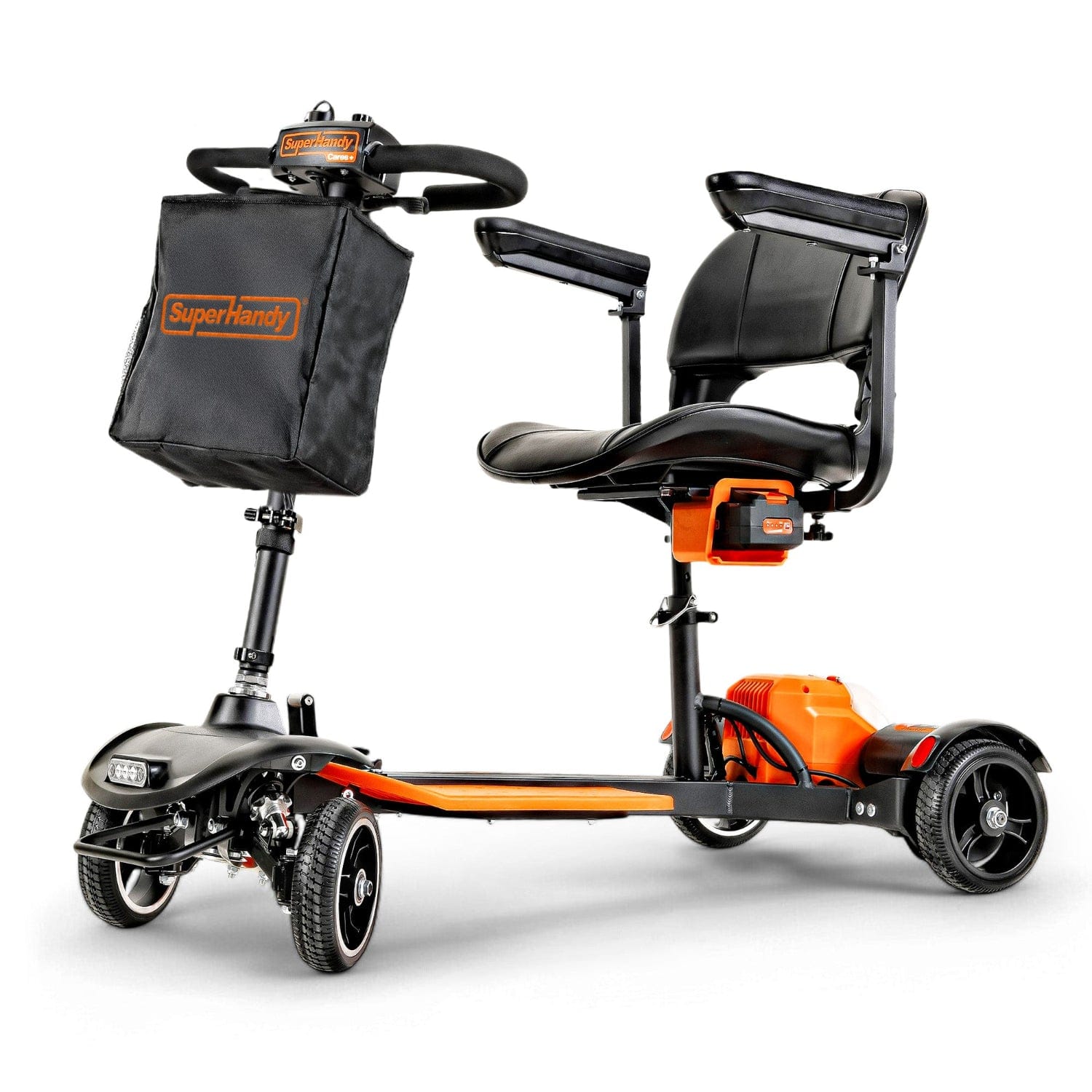
A high-quality, weather-resistant scooter cover is your first line of defense against the elements if you ever need to park your scooter outside for short periods. It protects the seat from sun damage and keeps the electronic console dry from unexpected rain. For added utility, a front basket or a rear saddlebag provides valuable storage for shopping, personal items, or medical supplies, reducing the temptation to hang heavy bags from the tiller, which can affect steering and stability.
For personal comfort and to protect the original upholstery, a seat cushion and backrest cover are excellent additions. They not only make longer rides more comfortable but also absorb daily wear and tear, keeping your scooter's seat in pristine condition.
Frequently Asked Questions About Lightweight Mobility Scooter Maintenance
How often should I charge my scooter's battery? The best practice is to charge your mobility scooter's battery after every day of use, regardless of how short the trip was. This keeps the battery topped off and in optimal health. Avoid letting the battery drain completely, as this can shorten its overall lifespan. If you don't use your scooter daily, aim to charge it at least once a week to maintain its condition.
Can I take my lightweight mobility scooter on an airplane? Yes, in most cases, you can travel with your mobility scooter. However, there are strict regulations, particularly concerning the battery. Airlines follow the FAA PackSafe wheelchair and mobility-device battery rules, which dictate how batteries, especially lithium-ion types, must be handled. You must contact your airline well in advance of your flight to declare your device, confirm their specific procedures, and understand whether your battery needs to be removed and carried into the cabin.
What is the best way to clean my mobility scooter? Use a soft, damp cloth with a mild solution of soap and water to wipe down the plastic shrouds, frame, and seat. A microfiber cloth is ideal as it won't scratch the surfaces. For tires and wheels, a soft brush can help remove caked-on dirt. Never use a high-pressure washer, as the force of the water can penetrate electrical components and bearings, causing significant damage. Always ensure the scooter is turned off and the charger is unplugged before cleaning.
Why is my scooter suddenly slower than usual? A sudden decrease in speed can be caused by several factors. The most common culprit is a low battery, so the first step is to ensure it's fully charged. Other potential causes include under-inflated tires (for pneumatic models), a brake that is not fully disengaging (check the freewheel lever), or an issue with the motor or controller. If a full charge and a check of the tires and freewheel lever don't solve the problem with your Mobility Scooter, it may be time to consult a professional technician.
Related Products


Leave a comment
All comments are moderated before being published.
This site is protected by hCaptcha and the hCaptcha Privacy Policy and Terms of Service apply.